
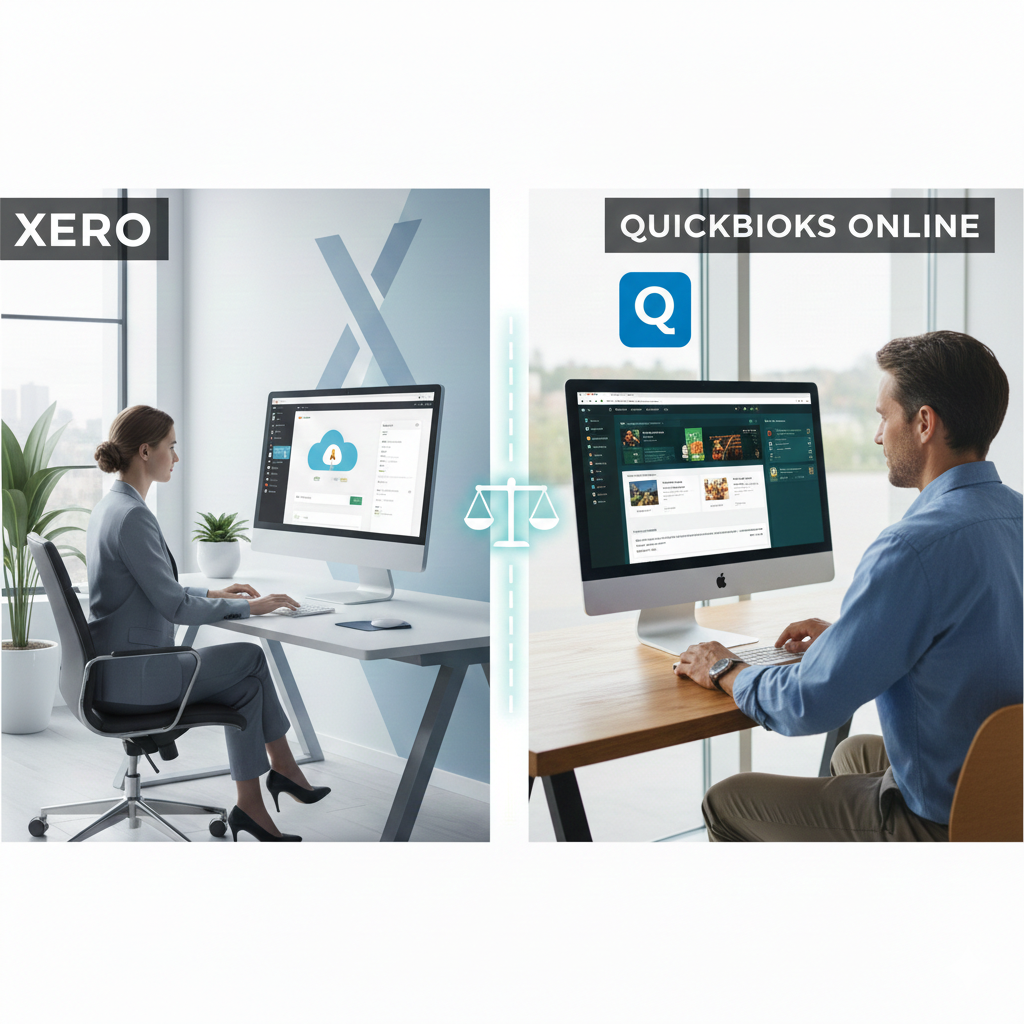
Choosing accounting software is one of the most important decisions a business owner can make. The right platform doesn’t just track income and expenses—it shapes how you manage cash flow, collaborate with your accountant, pay employees, handle taxes, and plan for growth. Two names consistently dominate this space: Xero and QuickBooks Online.
Both platforms are powerful. Both promise efficiency. Both are used by millions of businesses worldwide. Yet they differ in meaningful ways that can influence which one is better suited for your needs. This detailed comparison explores features, pricing, usability, reporting, integrations, payroll, inventory, support, and overall value—so you can make a confident decision.
1. Company Background and Philosophy
Xero
Founded in New Zealand, Xero was built from the ground up as a cloud-based accounting system. Its design philosophy centers on simplicity, collaboration, and accessibility. It emphasizes unlimited users across most plans and clean, modern design. Accountants and bookkeepers often praise Xero for its intuitive interface and easy collaboration features.
QuickBooks Online
QuickBooks is developed by Intuit, a long-established financial software company. While QuickBooks originally began as desktop software, QuickBooks Online represents its cloud-based evolution. It has strong brand recognition, particularly in the United States, and offers deep functionality that appeals to small and mid-sized businesses alike.
2. Ease of Use and Interface
When it comes to usability, both platforms perform well—but they feel different.
Xero’s User Experience
Xero’s dashboard is clean and minimal. Financial summaries are clearly displayed, and navigation is straightforward. The layout feels modern and uncluttered. New users often find it easier to understand without extensive training.
Key highlights:
- Clear bank reconciliation screen
- Simple invoice creation process
- Smooth navigation between modules
- Unlimited users without additional fees
Xero’s bank reconciliation tool is especially strong. Matching transactions is fast and visually intuitive, which can save hours each month.
QuickBooks Online’s User Experience
QuickBooks Online provides a more detailed dashboard with customizable widgets. While it offers more advanced features, the interface can feel slightly busier compared to Xero.
Strengths include:
- Strong guided setup process
- Extensive help tips within the software
- Clear categorization tools
- Familiar design for long-time QuickBooks users
For beginners, Xero may feel more approachable. For users accustomed to traditional accounting systems, QuickBooks Online may feel more comprehensive.
3. Pricing Structure
Pricing varies based on region and plan level, but generally:
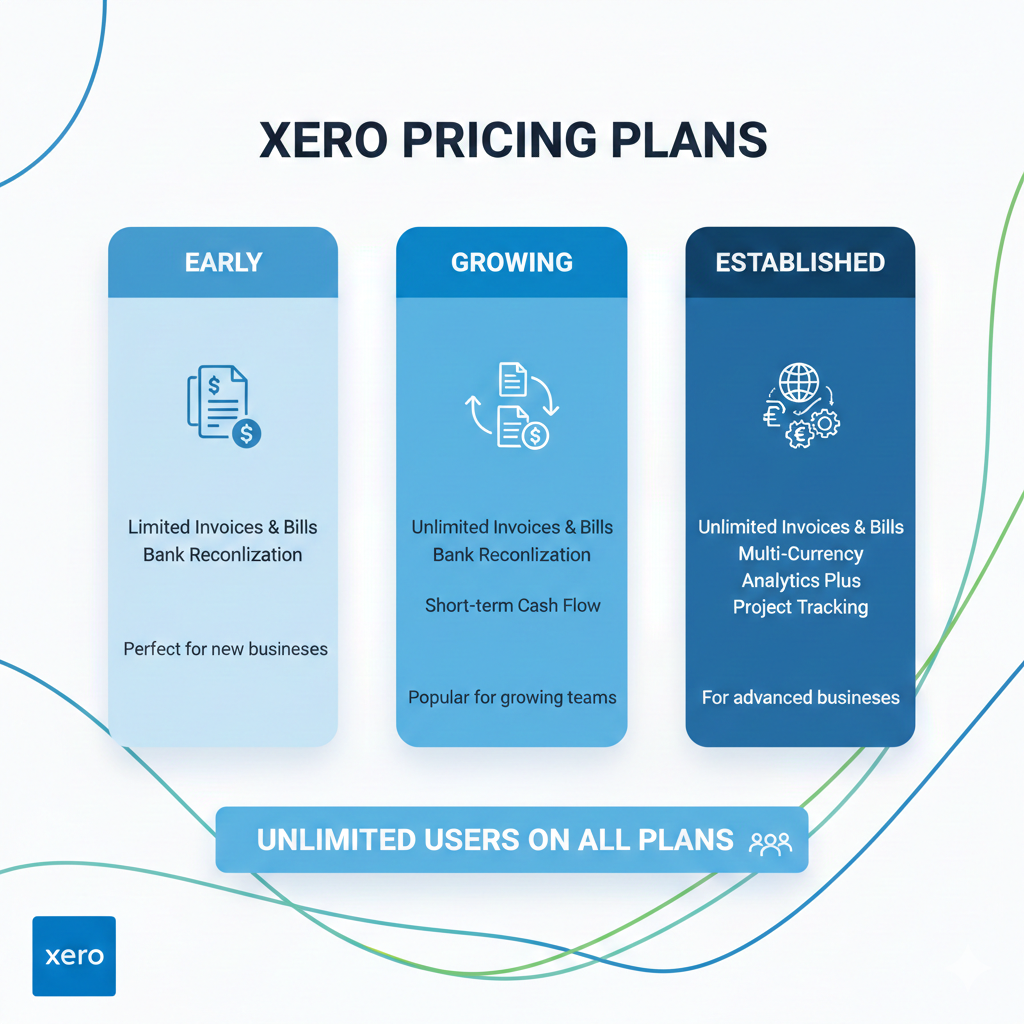
Xero Pricing Model
Xero typically offers three main tiers:
- Entry-level plan (limited invoices and bills)
- Growing plan (unlimited invoices and bills)
- Established plan (adds multi-currency, advanced features)
One of Xero’s strongest advantages is unlimited users on all plans. This makes it cost-effective for teams.
QuickBooks Online Pricing Model
QuickBooks Online usually offers four tiers:
- Simple Start
- Essentials
- Plus
- Advanced
Each tier adds more users and features. However, the number of users allowed depends on the plan. If your team grows, you may need to upgrade.
In terms of pure cost efficiency for teams, Xero often wins. However, QuickBooks Online offers deeper functionality at higher tiers, which may justify the price.
4. Core Accounting Features
Both platforms include:
- Invoicing
- Expense tracking
- Bank reconciliation
- Financial reporting
- Accounts payable and receivable
- Tax management tools
But there are differences in execution.
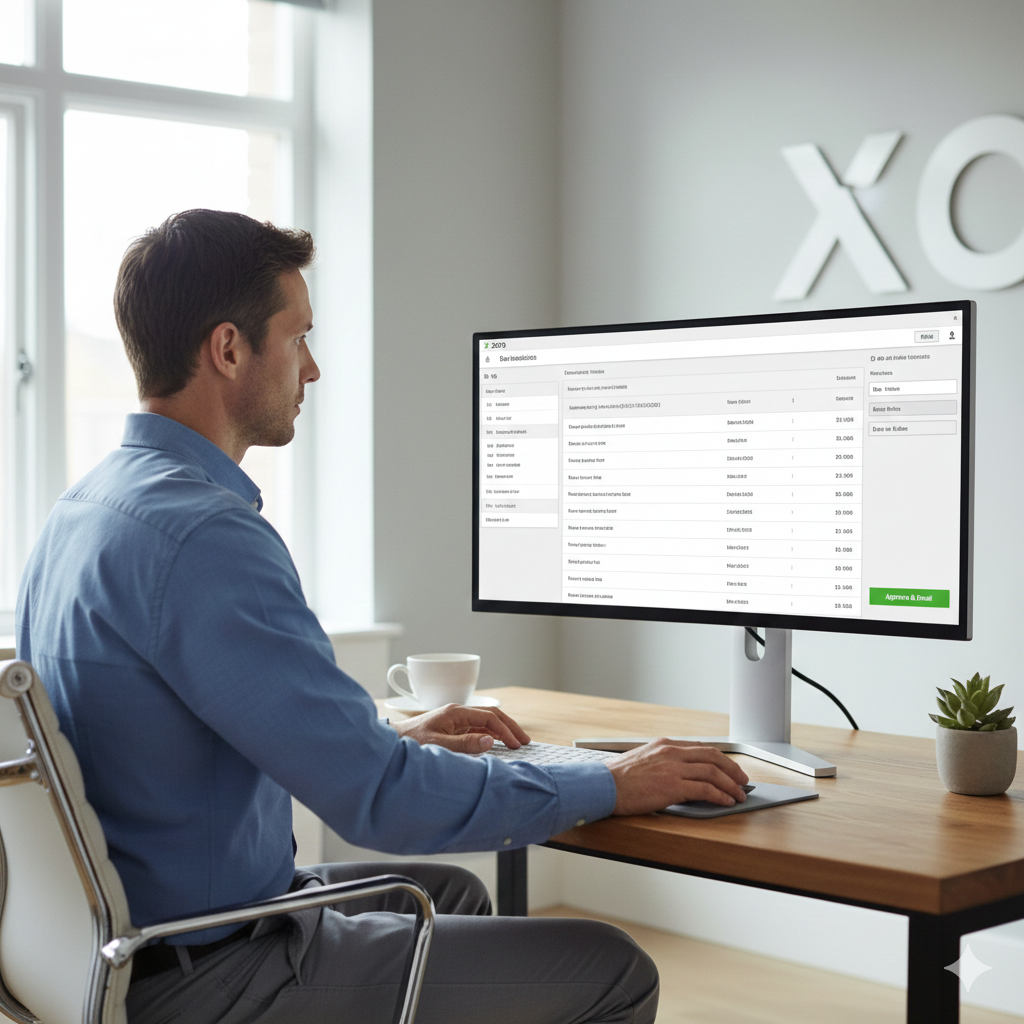
Invoicing
Xero
- Customizable invoice templates
- Automated reminders
- Online payment integrations
- Easy recurring invoices
QuickBooks Online
- Advanced invoice customization
- Progress invoicing
- Automated payment reminders
- Batch invoicing (in higher plans)
QuickBooks offers slightly more flexibility in invoice customization, especially for businesses that require complex billing structures.5. Bank Reconciliation
This is where Xero shines.
Xero’s bank reconciliation interface is widely praised for speed and simplicity. It allows users to match transactions efficiently with strong automation rules.
QuickBooks Online also offers bank feeds and automation, but some users find the reconciliation screen slightly more complex.
If frequent bank reconciliation is a major task in your business, Xero’s streamlined workflow may save significant time.
6. Reporting and Financial Insights
Accurate reporting is essential for business decisions.
Xero Reporting
- Profit and Loss
- Balance Sheet
- Cash Flow
- Budget reports
- Tracking categories for project analysis
Xero’s reporting interface is clean and customizable, but it may require more setup for advanced financial modeling.

QuickBooks Online Reporting
- Extensive built-in report library
- Industry-specific reports
- Custom report builder
- Advanced performance analytics (Advanced plan)
QuickBooks Online offers a broader range of built-in reports, especially useful for growing businesses that require detailed financial analysis.
If reporting depth is your priority, QuickBooks Online typically provides more out-of-the-box flexibility.
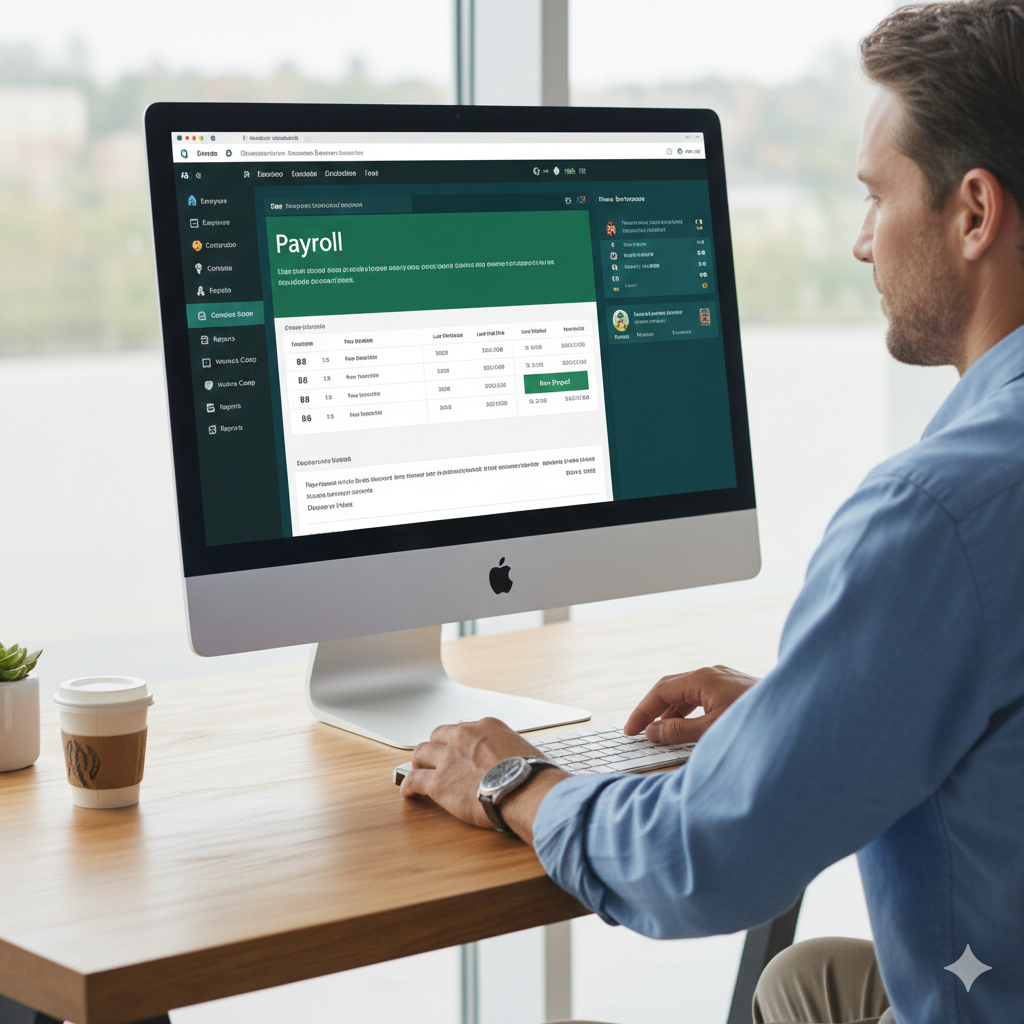
7. Payroll and Employee Management
Payroll functionality differs depending on country.
Xero Payroll
In certain countries, Xero includes built-in payroll. In others, it integrates with third-party payroll services. The payroll interface is straightforward and integrates well with accounting data.
QuickBooks Online Payroll
QuickBooks offers a dedicated payroll add-on in many regions. Payroll integrates seamlessly with accounting records and supports tax filings, direct deposits, and compliance features.
In regions like the United States, QuickBooks payroll features are particularly robust.
8. Inventory Management
Xero Inventory
Xero supports basic inventory tracking:
- Track quantity on hand
- Adjust stock levels
- Basic cost tracking
However, advanced inventory management may require third-party integrations.
QuickBooks Online Inventory
In higher-tier plans, QuickBooks Online includes:
- FIFO inventory costing
- Automatic stock updates
- Detailed inventory reports
For product-based businesses with complex inventory needs, QuickBooks Online often provides stronger built-in capabilities.
9. Multi-Currency Support
Xero includes multi-currency in its higher-tier plan. It automatically updates exchange rates and tracks gains and losses.
QuickBooks Online also offers multi-currency features in advanced plans.
Both systems handle international transactions effectively, though availability depends on subscription level.
10. Integrations and App Marketplace
Xero Integrations
Xero has a large app marketplace, supporting:
- E-commerce platforms
- Payment gateways
- CRM systems
- Inventory tools
- Project management software
QuickBooks Online Integrations
QuickBooks Online also has an extensive app ecosystem. It integrates seamlessly with many widely used tools and often has direct integrations with U.S.-based business platforms.
Both platforms perform strongly in this area. Your decision may depend on whether your preferred apps integrate more smoothly with one system over the other.
11. Accountant and Bookkeeper Collaboration
Xero
- Unlimited users
- Real-time collaboration
- Easy accountant access
Accountants often appreciate Xero’s clean interface and shared access model.

QuickBooks Online
- Accountant user access
- Advanced audit logs
- Widely recognized by accounting professionals
QuickBooks has a strong presence among accounting firms, especially in North America.
12. Customer Support
Xero Support
- Email support
- Online help center
- Community forum
Xero does not typically offer phone support, which may be a drawback for some users.
QuickBooks Online Support
- Phone support (depending on plan and region)
- Chat support
- Help center
- Large user community
QuickBooks Online often provides more direct support options.
13. Security and Data Protection
Both platforms prioritize security:
- Bank-level encryption
- Two-factor authentication
- Regular backups
- Secure data centers
Data safety is strong in both systems, and neither has a significant disadvantage in this area.
14. Scalability
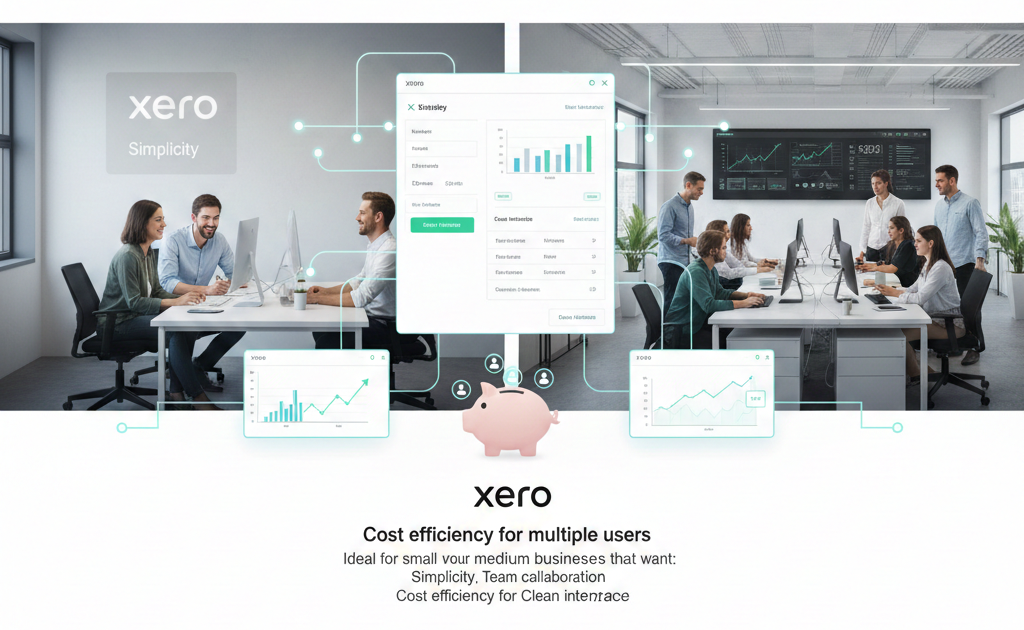
Xero
Ideal for small to medium businesses that want:
- Simplicity
- Team collaboration
- Clean interface
- Cost efficiency for multiple users
QuickBooks Online
Better suited for:
- Growing businesses
- Companies requiring advanced reporting
- Product-based businesses
- U.S.-based operations
QuickBooks may offer slightly more scalability at higher tiers.
15. Pros and Cons Summary
Xero Pros
- Unlimited users
- Clean, modern interface
- Excellent bank reconciliation
- Strong collaboration tools
Xero Cons
- Limited phone support
- Advanced features may require add-ons
QuickBooks Online Pros
- Extensive reporting
- Strong payroll features
- Robust inventory tools
- Widely recognized
QuickBooks Online Cons
- User limits by plan
- Interface can feel complex
- Higher cost for advanced features
Final Verdict: Which One Should You Choose?
The choice between Xero and QuickBooks Online ultimately depends on your business structure, growth plans, and workflow preferences.
Choose Xero if you:
- Want unlimited users
- Prefer a clean and simple interface
- Value fast bank reconciliation
- Run a service-based or small business
Choose QuickBooks Online if you:
- Need advanced reporting
- Manage inventory extensively
- Require detailed payroll functionality
- Operate in markets where QuickBooks dominates
Both platforms are powerful and reliable. Neither is objectively “better” for everyone. The right choice depends on how you run your business, how complex your operations are, and what features matter most to you.
Invest time in reviewing your priorities before committing. The right accounting software should feel like a natural extension of your business—not an obstacle.