
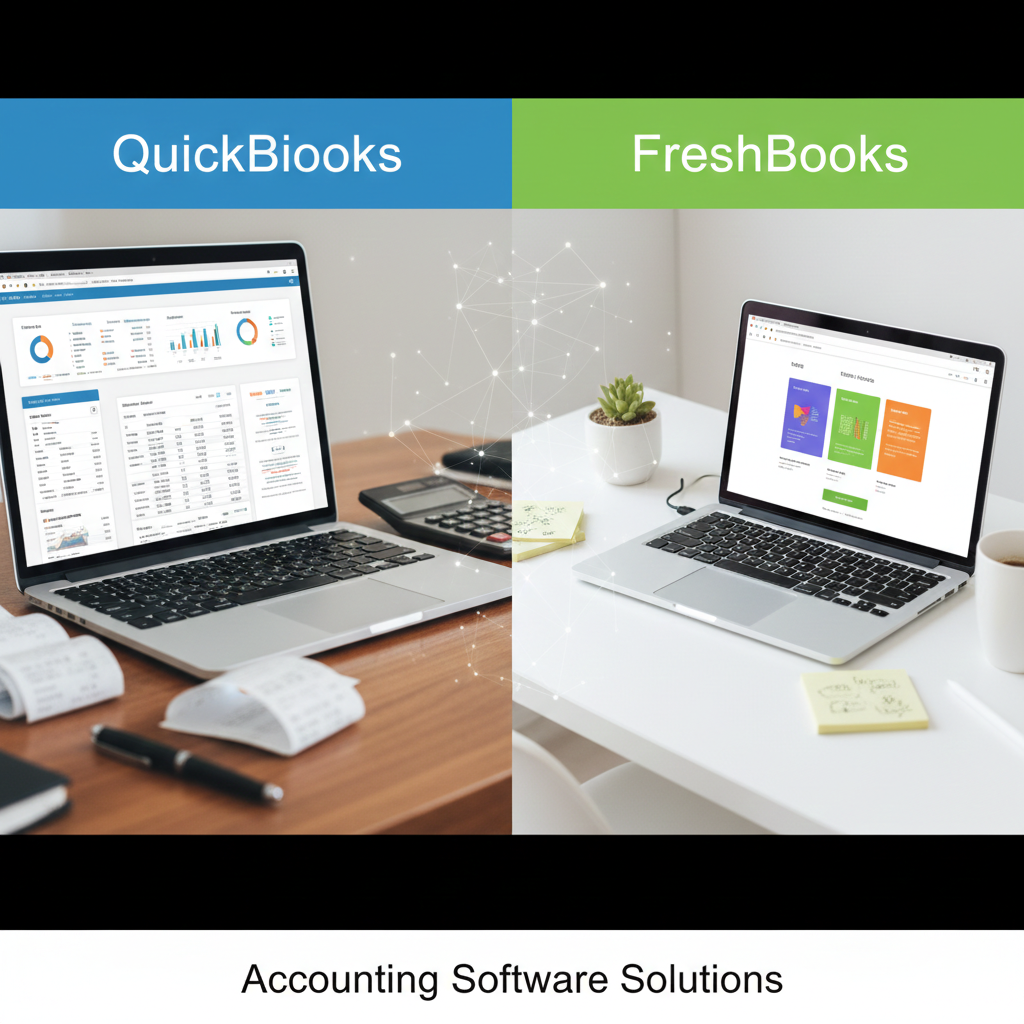
Choosing the right accounting software can shape the way you manage your business finances for years to come. Whether you are a freelancer, a small business owner, or managing a growing team, your accounting system affects everything—from cash flow visibility to tax preparation. Two of the most popular options on the market today are QuickBooks and FreshBooks.
Both platforms have earned strong reputations, but they are built with slightly different audiences in mind. In this detailed comparison, we’ll explore their features, pricing structures, usability, reporting tools, integrations, customer support, and overall value—so you can confidently decide which solution fits your needs best.
Overview of QuickBooks
QuickBooks, developed by Intuit, has long been a dominant force in small business accounting. It is widely used by accountants and business owners alike and offers both desktop and cloud-based solutions. The most commonly used version today is QuickBooks Online, which provides flexible access from any device.
QuickBooks is designed to handle everything from basic bookkeeping to advanced financial management. It is particularly well-suited for businesses that require detailed reporting, inventory tracking, payroll services, and multi-user collaboration.
Overview of FreshBooks
FreshBooks began as an invoicing solution tailored to freelancers and service-based professionals. Over time, it evolved into a full accounting platform, though its core strength remains billing and client management.
FreshBooks is known for its clean interface, ease of use, and simplicity. It focuses on helping service-based businesses manage invoices, track time, monitor expenses, and maintain healthy cash flow without overwhelming users with overly complex features.
Ease of Use and Interface
When it comes to user experience, FreshBooks has a noticeable edge for beginners.
FreshBooks features a modern, intuitive dashboard that clearly displays invoices, expenses, projects, and payments. Navigation is straightforward, and even users with no accounting background can quickly learn how to send invoices, log expenses, or run simple reports.
QuickBooks, on the other hand, offers far more functionality—but that comes with added complexity. While the dashboard is organized and professional, first-time users may find the interface slightly overwhelming. There are more menus, more options, and more configuration settings.
For freelancers or solopreneurs who want something simple and efficient, FreshBooks feels lighter and easier to manage. For business owners who require robust tools and deeper financial control, QuickBooks offers greater power.
Invoicing Capabilities
Invoicing is one of the most critical functions in any accounting system.
FreshBooks truly shines in this area. You can create professional-looking invoices in minutes, customize them with your branding, set recurring billing schedules, and accept online payments. Automated reminders reduce the need to chase late payments. Time tracking integrates directly with invoices, making it ideal for consultants and agencies that bill hourly.
QuickBooks also provides strong invoicing features, including recurring invoices, progress billing, and automated reminders. However, FreshBooks places more emphasis on user-friendly invoice design and client communication. The experience feels smoother and more client-focused.
If invoicing is central to your business operations—especially for service-based work—FreshBooks may feel more tailored to your needs.
Expense Tracking
Both platforms allow you to track expenses, categorize transactions, and connect bank accounts for automatic imports.
QuickBooks offers deeper expense management tools. You can categorize transactions, attach receipts, reconcile accounts, and manage vendor payments with precision. Its bank reconciliation features are especially strong and widely appreciated by professional accountants.
FreshBooks allows expense tracking as well, including receipt scanning and bank feeds. However, its expense tools are slightly more streamlined and less detailed compared to QuickBooks.
Businesses with high transaction volume or complex expense management needs may benefit from QuickBooks’ advanced capabilities.
Accounting Features and Reporting
This is where QuickBooks clearly pulls ahead.
QuickBooks offers comprehensive financial reporting, including:
- Profit and loss statements
- Balance sheets
- Cash flow reports
- Accounts receivable and payable aging
- Inventory valuation
- Budget forecasting
It supports accrual and cash accounting methods and provides highly customizable reporting options.
FreshBooks includes essential financial reports such as profit and loss, expense reports, sales tax summaries, and accounts aging. However, the reporting options are more limited and less customizable.
If detailed financial analysis and advanced accounting features are priorities, QuickBooks provides significantly more depth.
Inventory Management
Inventory tracking is a crucial feature for product-based businesses.
QuickBooks includes built-in inventory management (depending on the plan). You can track stock levels, manage purchase orders, and calculate cost of goods sold.
FreshBooks does not offer comprehensive inventory management. It allows tracking of billable items but lacks full inventory control functionality.
For retail, wholesale, or manufacturing businesses, QuickBooks is the stronger option.
Time Tracking and Project Management
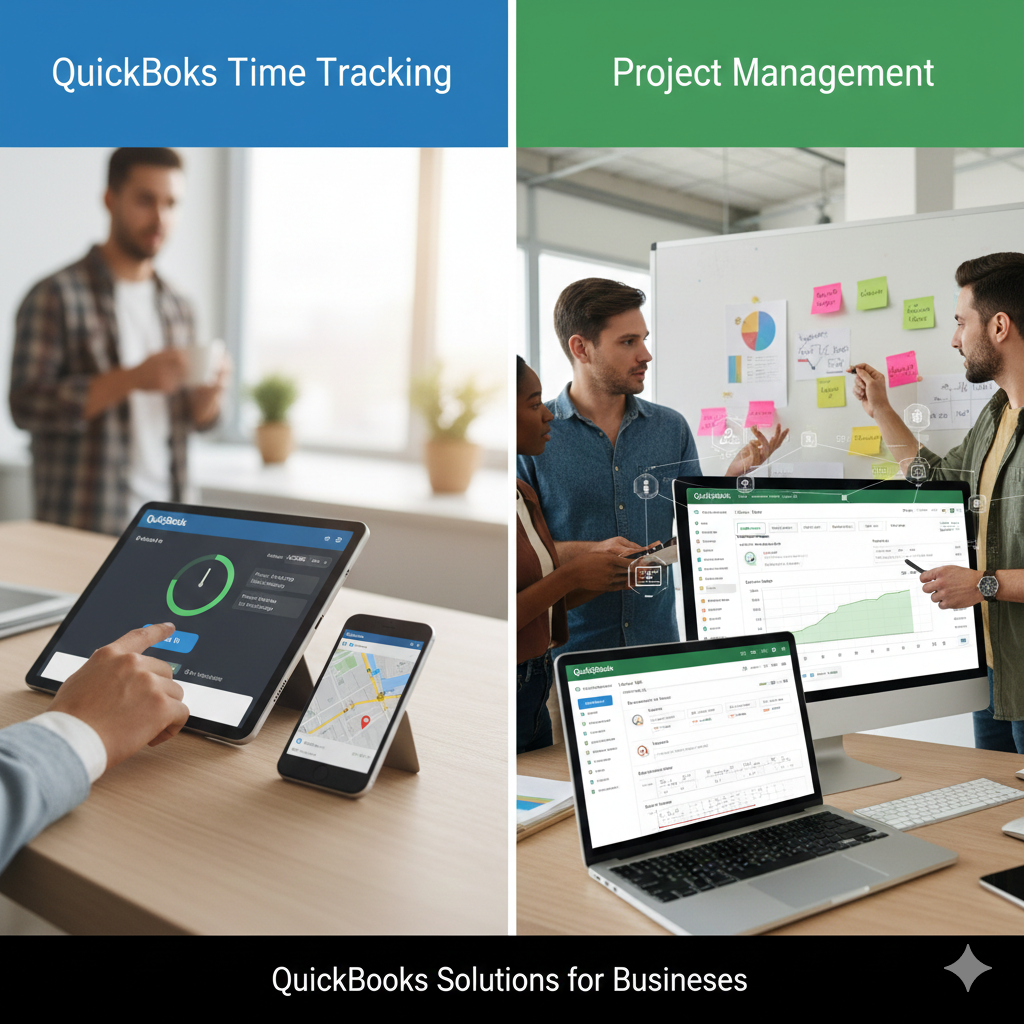
FreshBooks stands out in time tracking.
Users can track billable hours directly within the platform and convert those hours into invoices seamlessly. It also supports project collaboration, team tracking, and budget monitoring for service-based work.
QuickBooks offers time tracking as well, but often through integrations or higher-tier plans. It works well but may not feel as integrated or streamlined as FreshBooks for project-based billing.
Agencies, consultants, and freelancers may appreciate FreshBooks’ smoother workflow in this area.
Payroll Services
QuickBooks offers fully integrated payroll services in many regions. This includes tax calculations, direct deposit, and compliance management. Payroll integration is seamless within the accounting system.
FreshBooks provides payroll integration through third-party services. While functional, it does not feel as deeply embedded as QuickBooks’ payroll system.
For businesses with employees, QuickBooks offers a more complete payroll solution.
Pricing Structure
FreshBooks uses a tiered pricing model based primarily on the number of billable clients. This structure works well for freelancers and small agencies but can become more expensive as client lists grow.
QuickBooks offers multiple plans based on feature access. Higher tiers unlock inventory tracking, advanced reporting, and additional users.
In general:
- FreshBooks may be more affordable for solo professionals with a limited client base.
- QuickBooks may offer better long-term value for growing businesses that need expanded functionality.
It’s important to evaluate pricing not just by monthly cost but by the value of included features.
Integrations and Ecosystem
QuickBooks has a vast ecosystem of integrations. It connects with hundreds of third-party applications, including payment processors, CRM systems, eCommerce platforms, and payroll services.
FreshBooks also integrates with popular tools, but its ecosystem is smaller compared to QuickBooks.
If your business relies heavily on multiple software systems, QuickBooks may provide greater flexibility.
Customer Support
Both companies offer customer support through chat, email, and knowledge bases.
FreshBooks is often praised for friendly and responsive support. Its documentation is easy to follow, and users frequently mention positive experiences with customer service representatives.
QuickBooks offers extensive help resources, community forums, and live support. However, some users report longer wait times during peak periods.
Overall, both platforms provide solid support, though experiences may vary depending on plan and location.
Scalability
Scalability is a major consideration for businesses planning long-term growth.
QuickBooks is better suited for businesses expecting to expand. It supports multiple users, advanced reporting, payroll, inventory, and complex accounting needs.
FreshBooks works exceptionally well for freelancers and small service businesses but may feel limited as operations become more complex.
If growth and operational complexity are on the horizon, QuickBooks provides more room to expand.
Security and Reliability
Both platforms use strong encryption, secure data centers, and regular backups to protect user information. Cloud-based access ensures data is stored securely and accessible from multiple devices.
QuickBooks’ long-standing presence in the accounting industry has built strong trust among professionals. FreshBooks also maintains high security standards suitable for small business use.
Which One Should You Choose?
The decision ultimately depends on your business model.
Choose FreshBooks if:
- You are a freelancer or consultant.
- Invoicing and time tracking are your primary needs.
- You prefer a simple, intuitive interface.
- You want minimal accounting complexity.
Choose QuickBooks if:
- You operate a growing small business.
- You require advanced accounting reports.
- You manage inventory.
- You need integrated payroll services.
- You work closely with an accountant who prefers QuickBooks.
Final Thoughts
QuickBooks and FreshBooks both serve valuable roles in the accounting software landscape. FreshBooks excels in simplicity, invoicing, and service-based workflows. QuickBooks delivers powerful accounting tools, advanced reporting, and long-term scalability.
For freelancers and small service providers, FreshBooks may feel like the perfect balance of ease and functionality. For businesses that require detailed financial oversight and operational control, QuickBooks offers unmatched depth.
The best choice is the one that aligns with your business structure, growth plans, and daily workflow. By understanding your priorities and comparing them carefully, you can select a system that supports your financial success for years to come.