
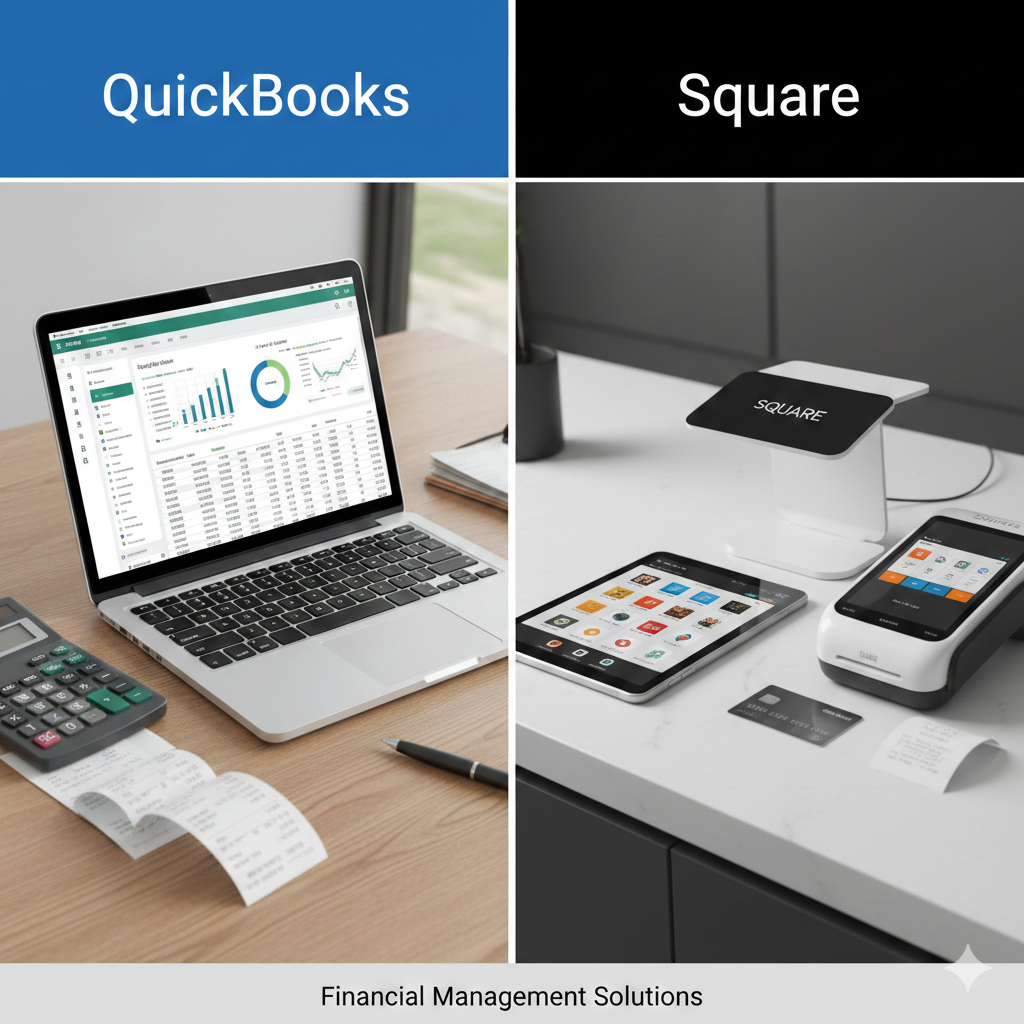
Choosing the right financial tools can shape the future of your business. Whether you’re running a small retail store, managing freelance clients, or scaling a growing company, two popular names often come up in conversation: QuickBooks and Square. While both platforms deal with money management, they serve different core purposes. Understanding those differences is essential before making a decision.
This in-depth comparison explores features, pricing, usability, integrations, reporting, scalability, and overall value to help you determine which solution fits your needs.
Core Purpose and Philosophy
QuickBooks, developed by Intuit, is primarily an accounting software platform. It focuses on bookkeeping, expense tracking, payroll, tax preparation, invoicing, and financial reporting. It is designed to give business owners a complete financial picture.
Square, owned by Block, started as a payment processing solution. It became widely known for its sleek card readers and easy point-of-sale systems. Over time, Square expanded into business management tools, including payroll, inventory tracking, and even basic accounting integrations.
In simple terms:
- QuickBooks = Accounting first
- Square = Payments first
If accounting is the foundation of your business operations, QuickBooks usually takes the lead. If processing payments smoothly is your top priority, Square often shines.
Ease of Setup and User Experience
QuickBooks
QuickBooks Online is relatively easy to set up, especially for small businesses. The onboarding process guides users through connecting bank accounts, setting up chart of accounts, and customizing invoices. The dashboard provides a snapshot of income, expenses, and profit.
However, because it is a full accounting system, beginners with no bookkeeping background may initially feel overwhelmed. Terminology like “journal entries,” “reconciliation,” and “accounts payable” can be intimidating.
Still, once learned, the platform becomes intuitive and efficient.
Square
Square’s setup process is remarkably simple. You can sign up, download the POS app, and start accepting payments almost immediately. Hardware options such as card readers and terminals are plug-and-play.
The interface is clean, modern, and designed for non-accountants. Retail and restaurant owners especially appreciate how quickly they can get started without technical complexity.
If ease and speed are your priorities, Square offers one of the most straightforward experiences available.
Accounting Capabilities
QuickBooks: Full-Service Accounting
QuickBooks offers comprehensive accounting tools, including:
- Double-entry bookkeeping
- Accounts receivable and payable
- Bank reconciliation
- Budgeting tools
- Detailed profit and loss reports
- Balance sheets
- Cash flow statements
- Inventory tracking (in higher plans)
- Payroll services (add-on)
For businesses that need complete financial oversight, QuickBooks provides professional-grade reporting.
It also helps prepare tax documentation and works seamlessly with accountants. Many accounting professionals prefer clients to use QuickBooks because it aligns with standard bookkeeping practices.
Square: Basic Financial Tracking
Square provides sales tracking, inventory monitoring, and transaction reporting. It gives daily sales summaries and revenue breakdowns.
However, Square does not replace full accounting software. It lacks advanced reporting such as detailed balance sheets or full financial statements. Most businesses that use Square for payments still connect it to accounting software like QuickBooks for bookkeeping purposes.
In short, Square handles revenue tracking well but does not fully manage accounting.
Payment Processing
Square’s Strength
Square excels in payment processing. It supports:
- Credit and debit cards
- Contactless payments
- Mobile wallets
- Online checkout
- Recurring billing
- Invoices
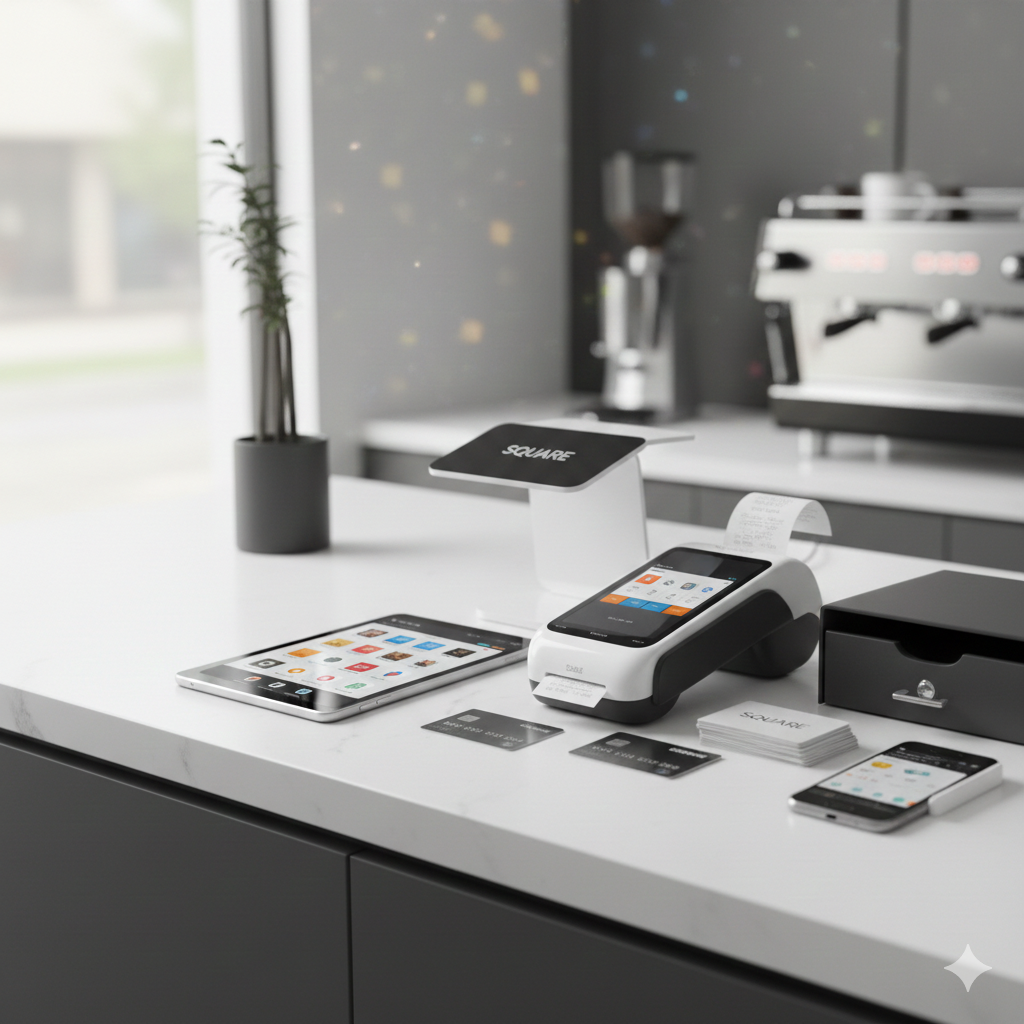
Square’s flat-rate transaction fees make pricing transparent. For small retailers, pop-up shops, and restaurants, Square offers integrated hardware and software that work seamlessly together.
It also supports both in-person and online sales, making it ideal for hybrid businesses.
QuickBooks Payments
QuickBooks offers payment processing through QuickBooks Payments. Businesses can accept credit cards and ACH transfers directly from invoices.
While convenient, QuickBooks’ payment system is not as specialized or hardware-focused as Square. It is designed more as an extension of invoicing rather than a full retail POS system.
If your business depends heavily on in-person transactions, Square typically offers better hardware and point-of-sale capabilities.
Pricing Structure
Pricing often determines which platform wins.
QuickBooks Pricing
QuickBooks Online offers tiered plans. Costs vary depending on features like:
- Number of users
- Inventory tracking
- Advanced reporting
- Payroll add-ons
Monthly fees increase as you upgrade. While affordable for many small businesses, costs can grow quickly when adding payroll or multiple users.
Square Pricing
Square has no monthly fee for its basic POS system. Instead, it charges per transaction. This pay-as-you-go model is attractive for new businesses.
However, advanced features such as payroll, marketing tools, or team management come with monthly fees.
For businesses with high transaction volumes, transaction fees can add up significantly.
Hardware and POS Features
This is where Square clearly leads.
Square offers:
- Card readers
- Terminals
- Full POS systems
- Kitchen display systems for restaurants
- Barcode scanners
- Receipt printers
Everything integrates seamlessly with the software.
QuickBooks does not provide physical POS hardware in the same way. While it offers QuickBooks Point of Sale (desktop version), it is less popular compared to Square’s ecosystem.
For brick-and-mortar stores, Square is typically the stronger option.
Integration and Ecosystem
QuickBooks Integrations
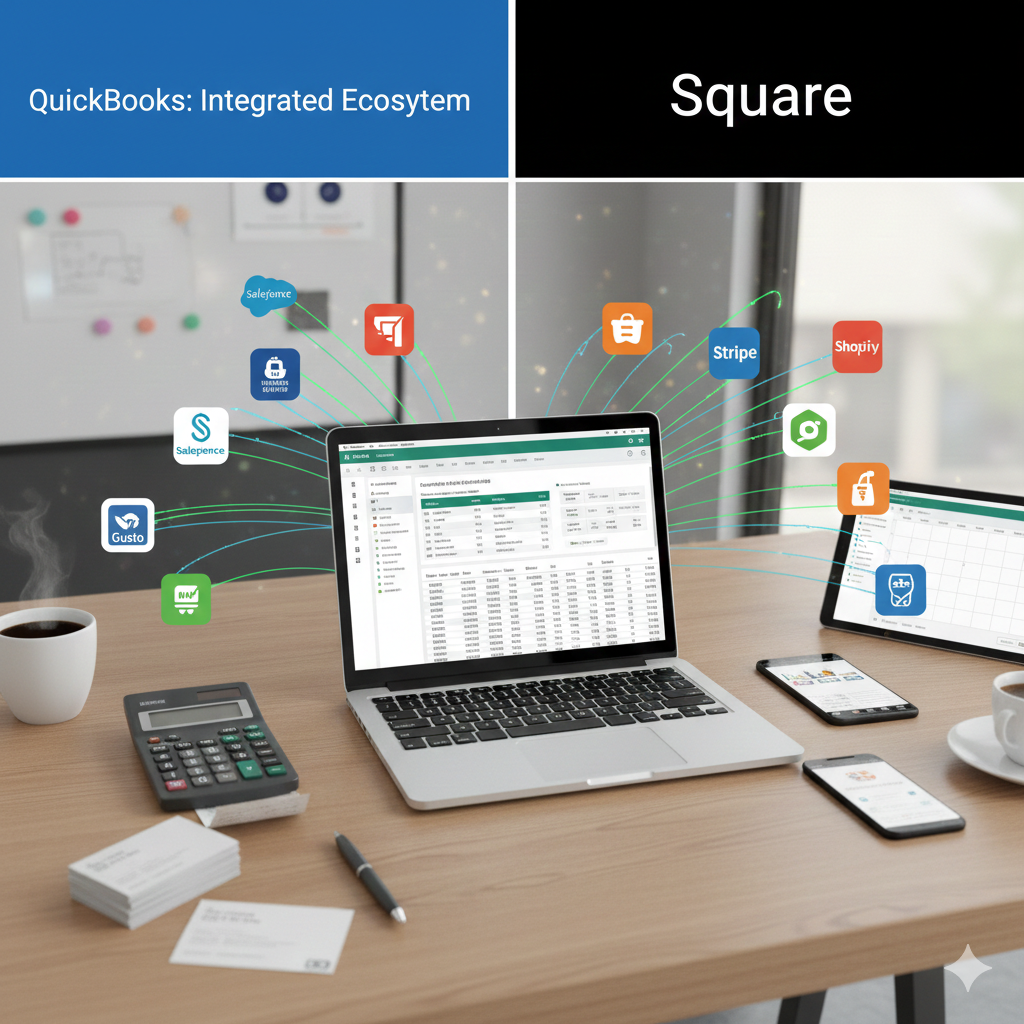
QuickBooks integrates with hundreds of third-party apps, including:
- E-commerce platforms
- CRM systems
- Payroll services
- Inventory tools
- Time-tracking software
Its app marketplace is extensive. This makes it adaptable for many industries.
Square Integrations
Square also integrates with e-commerce platforms and accounting software. Many businesses connect Square directly to QuickBooks, combining Square’s payment power with QuickBooks’ accounting capabilities.
If you want both strong payment processing and full accounting, using them together is common.
Reporting and Insights
QuickBooks Reporting
QuickBooks delivers advanced financial reports such as:
- Profit and loss
- Balance sheets
- Sales tax liability
- Expense breakdowns
- Custom financial summaries
These reports help business owners make strategic decisions.
Square Reporting
Square provides detailed sales reports, including:
- Sales by item
- Sales by employee
- Peak sales times
- Customer purchase behavior
For retail performance tracking, Square offers valuable insights. However, its financial reporting does not match the depth of QuickBooks.
Scalability
QuickBooks Scalability
QuickBooks scales well for growing businesses. As revenue increases, businesses can upgrade plans, add users, and integrate additional services.
However, very large enterprises may eventually outgrow QuickBooks and move to more advanced accounting systems.
Square Scalability
Square scales effectively for retail chains, restaurants, and service-based businesses. You can manage multiple locations, staff permissions, and centralized reporting.
For sales-focused expansion, Square performs strongly.
Payroll and Employee Management
QuickBooks offers payroll as an add-on service. It handles:
- Direct deposit
- Tax filings
- Employee benefits
- Contractor payments
It integrates directly with accounting records, making bookkeeping seamless.
Square also provides payroll services, especially for restaurants and retail businesses. It handles time tracking and tip management efficiently.
If payroll integration with accounting is essential, QuickBooks has the edge. If you need payroll tied closely to POS time tracking, Square may feel more natural.
Customer Support
Both platforms offer customer support via chat, email, and help centers. QuickBooks also has a large network of certified ProAdvisors.
Square’s support is known for being responsive, especially for hardware-related issues.
Support quality may depend on your specific plan level.
Security and Reliability
Both QuickBooks and Square use secure encryption and comply with industry standards for financial data protection.
Square is PCI-compliant for payment processing, ensuring safe card transactions.
QuickBooks protects accounting data with secure cloud infrastructure and multi-factor authentication.
Both platforms are trusted by millions of businesses worldwide.
Which One Should You Choose?
Choose QuickBooks if:
- You need full accounting software
- You want professional financial reports
- You work closely with accountants
- You need tax-ready bookkeeping
Choose Square if:
- You run a retail or restaurant business
- You need POS hardware
- You want easy payment processing
- You prioritize quick setup
Many businesses benefit from using both together.
Final Thoughts
QuickBooks and Square serve different but complementary purposes. One focuses on comprehensive accounting; the other specializes in payment processing and point-of-sale efficiency.
If you are starting a small shop and need to accept payments quickly, Square may be your best starting point. If your primary need is tracking expenses, generating financial reports, and preparing taxes, QuickBooks offers deeper accounting power.
Ultimately, your choice depends on whether your business revolves more around managing money internally or collecting money externally.
For many growing businesses, the ideal solution is not choosing one over the other, but understanding how each can support different aspects of your operations.