
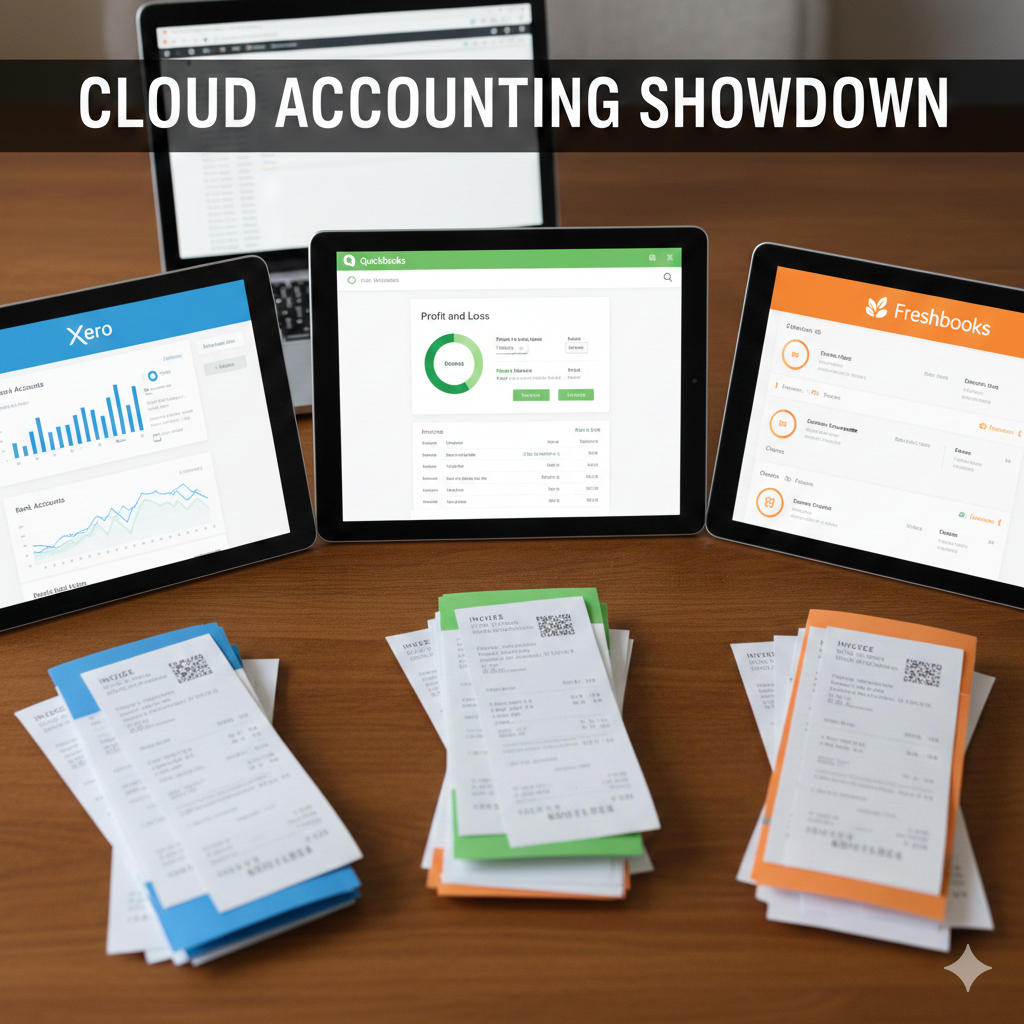
Choosing the right accounting software can feel overwhelming, especially when you want the best fit for your business needs. You might be wondering which one—Xero, QuickBooks, or FreshBooks—will help you manage your finances more efficiently, save time, and reduce stress.
Each of these popular tools has unique strengths that can impact how smoothly your business runs. By understanding their differences, you’ll be able to make a confident choice that supports your growth and keeps your finances in check. Keep reading to discover which one aligns perfectly with your business goals.
Feature Comparison
Comparing features of Xero, QuickBooks, and FreshBooks helps identify the best fit for your business. Each software offers unique tools that support accounting tasks differently. Understanding these differences guides smarter software choices.
Core Accounting Functions
Xero provides strong bookkeeping with invoicing, bank reconciliation, and reporting. QuickBooks offers detailed financial reports and automated expense tracking. FreshBooks focuses on invoicing and basic accounting, ideal for freelancers and small teams.
Payroll And Inventory
QuickBooks includes advanced payroll and inventory management suitable for growing businesses. Xero offers payroll in select regions and basic inventory tracking. FreshBooks lacks native inventory features but supports simple time and expense tracking.
User Interface And Experience
Xero features a clean, easy-to-navigate dashboard with clear menus. QuickBooks has a comprehensive interface but can feel complex to new users. FreshBooks shines with a simple, friendly design made for service-based businesses.
Third-party Integrations
QuickBooks supports numerous integrations, including payment apps and CRM systems. Xero offers a broad marketplace with apps for various business needs. FreshBooks has fewer integrations but covers essential tools for client management.
Pricing Models
Xero uses tiered pricing with unlimited users on all plans. QuickBooks charges per user, which can increase total cost. FreshBooks offers simple monthly plans based on the number of clients served.
Best Business Types
Choosing the right accounting software depends on the type of business you run. Each platform offers features tailored to different business needs. Understanding which software fits best helps save time and money. Here is a breakdown of the best business types for Xero, QuickBooks, and FreshBooks.

Growing Businesses
QuickBooks suits growing businesses well. It supports payroll, inventory, and many third-party apps. Its advanced reporting helps track business performance closely. QuickBooks can handle increased transactions as businesses expand. This makes it a strong choice for companies planning to scale fast.
Small And Medium Businesses
Xero works best for small and medium businesses. It offers unlimited users on every plan, which is rare. The clean interface makes it easy for teams and accountants to collaborate. Xero integrates smoothly with banks and financial institutions. It also provides strong core accounting tools without complexity.
Freelancers And Startups
FreshBooks is ideal for freelancers and startups. It focuses on invoicing, time tracking, and expense management. FreshBooks keeps accounting simple and user-friendly. Its features help service-based businesses manage clients and projects easily. This software offers just the right tools without overwhelming new users.
Pros And Cons
Choosing the right accounting software depends on understanding each option’s strengths and weaknesses. This section breaks down the pros and cons of QuickBooks, Xero, and FreshBooks. It helps you see which tool fits your business needs best. Each software has unique features and limitations.
Quickbooks Strengths And Weaknesses
QuickBooks offers strong payroll and inventory management tools. It integrates well with many third-party apps. The software suits growing businesses with complex needs. Users appreciate its detailed financial reports. QuickBooks has a user-friendly interface for beginners. Pricing can rise quickly with added users and features. Some users find its audit trail controls weak. This can cause issues during financial reviews. QuickBooks may feel overwhelming for very small businesses.
Xero Strengths And Weaknesses
Xero allows unlimited users on all plans. Its pricing is straightforward and easy to understand. The interface is clean and simple to navigate. It suits small to medium businesses well. Xero offers strong bookkeeping and financial reporting tools. Some new users need training to get started. Subscription costs have increased recently, especially for payroll. Businesses with high transaction volumes may see slow load times. Reporting templates may feel limited for some users.
Freshbooks Strengths And Weaknesses
FreshBooks focuses on invoicing and time-tracking features. It works well for customer-facing businesses and freelancers. The software is easy to use and set up quickly. FreshBooks includes built-in expense tracking and stock control. It offers good support for small business owners. Some users find FreshBooks less suited for complex accounting tasks. It has fewer advanced features compared to QuickBooks and Xero. Reporting options are simpler, which may limit some businesses.
User Management
User management is a key part of accounting software. It helps businesses control who can access their financial data. Good user management improves security and teamwork. It also allows clear roles and permissions. Xero, QuickBooks, and FreshBooks offer different user management features. Understanding these can help you pick the best software for your business.

User Limits And Accessibility
Xero offers unlimited users on all plans. This suits businesses that need many team members to access data. QuickBooks limits users based on the plan. The more users you add, the higher the cost. FreshBooks allows fewer users, focusing on small teams. Accessibility varies, too. Xero and QuickBooks provide mobile apps with full access. FreshBooks has a simple app but fewer features. All three let you set user roles to control access.
Collaboration Features
Xero supports real-time collaboration. Multiple users can work on invoices and reports at once. It shows changes instantly, reducing errors. QuickBooks offers shared access but less real-time editing. It tracks changes and user activity. FreshBooks focuses on client collaboration. It allows easy sharing of invoices and time tracking. However, it lacks strong internal team collaboration tools. Xero leads for teamwork, QuickBooks balances features, FreshBooks suits client communication.
Invoicing And Expense Tracking
Invoicing and expense tracking are essential for managing business finances efficiently. Accurate invoices ensure timely payments. Proper expense tracking helps control costs and improves budgeting. Choosing the right software can simplify these tasks and save time.
Invoicing Features
Xero offers customizable invoices with automatic reminders. It supports multiple currencies and online payments. QuickBooks provides professional invoice templates and recurring billing. It also sends automatic payment reminders to clients. FreshBooks focuses on easy invoice creation and tracking. It lets users set late fees and accept credit cards.
Expense Management
Xero allows users to upload receipts and link expenses to invoices. It also categorizes spending for clear reports. QuickBooks connects bank accounts for automatic expense import. It offers detailed expense tracking and tax categorization. FreshBooks simplifies expense entry and receipt capture. Users can match expenses to projects for better cost control.
Time Tracking Tools
FreshBooks excels in time tracking with built-in timers and manual entry options. It helps convert tracked hours into invoices. Xero has basic time tracking through third-party apps integration. QuickBooks offers time tracking in higher plans, linking hours directly to invoices. All three help businesses bill accurately for time worked.

Reporting And Analytics
Reporting and analytics are key to managing your business finances effectively. They help you understand your financial health and make smart decisions. Each software—Xero, QuickBooks, and FreshBooks—offers unique tools for reporting and analytics.
Financial Reports
Xero provides a wide range of financial reports. You can access profit and loss, balance sheet, and cash flow statements easily. Reports update automatically with real-time data. QuickBooks excels with customizable reports and detailed insights. It also offers budget tracking and forecasting features. FreshBooks focuses on simple, easy-to-read reports. It suits small businesses needing basic financial summaries. All three platforms allow exporting reports to Excel or PDF for sharing.
Audit Trail And Controls
Xero maintains a strong audit trail. It tracks every change made to transactions and records who made them. This feature helps prevent errors and fraud. QuickBooks also has audit controls but some users find it easier to delete transactions without clear logs. FreshBooks offers basic audit trails but lacks advanced controls found in Xero. Businesses needing strict compliance should consider these differences. Audit trails boost transparency and help during tax audits or reviews.
Customer Support And Training
Customer support and training are vital for any accounting software user. They ensure smooth use and quick problem-solving. Each software—Xero, QuickBooks, and FreshBooks—offers unique support and training options. Understanding these can help businesses choose the best fit.
Onboarding Experience
Xero offers a straightforward setup with clear instructions. New users can link bank accounts and import data easily. QuickBooks provides a step-by-step onboarding wizard that guides users through key features. FreshBooks simplifies the process with a clean interface and quick start guides. Each platform focuses on making the first steps simple and stress-free.
Support Channels
Xero supports users via email and live chat during business hours. QuickBooks offers phone support and live chat, available for longer hours. FreshBooks provides email support and chat, but phone support is limited. All three have active online communities where users can share tips and solutions. This variety helps users get help in ways they prefer.
Training Resources
Xero has a rich library of video tutorials and webinars for users. QuickBooks offers extensive online courses and certification programs. FreshBooks provides helpful articles and short videos focused on invoicing and time tracking. Each software aims to equip users with the knowledge to use their tools effectively.

Performance And Reliability
Performance and reliability are key factors in choosing accounting software. Users expect fast, smooth operation and secure handling of their financial data. Any lag or downtime can disrupt business activities and cause frustration. This section compares Xero, QuickBooks, and FreshBooks on these critical aspects.
Load Times And Scalability
Xero offers quick load times for most tasks. It handles small to medium business needs well. However, very high transaction volumes can slow it down.
QuickBooks performs well with moderate data but can slow with large files. Its scalability fits growing businesses but may require upgrades for heavy use.
FreshBooks is designed for freelancers and small businesses. It loads fast for simple tasks but may not scale as well for large companies.
Data Security
Xero uses strong encryption and secure servers to protect data. Regular backups and monitoring help prevent data loss and breaches.
QuickBooks employs multi-layer security, including encryption and secure user access. It complies with major data protection standards.
FreshBooks secures data with encryption and offers two-factor authentication. It maintains strict privacy policies to keep user data safe.
Pricing And Value
Choosing the right accounting software depends a lot on pricing and value. Each platform offers different plans and costs. Understanding these can help you save money and get the features you need. Let’s explore the subscription costs, additional fees, and trial options for Xero, QuickBooks, and FreshBooks.
Subscription Costs
Xero offers three main plans starting from a low monthly fee. Each plan includes unlimited users, which is a big plus for teams. QuickBooks has multiple plans too, but charges extra for additional users. FreshBooks is priced per user and best for freelancers or small teams. Its plans include basic invoicing and time tracking features.
Additional Fees
Xero may charge extra for payroll depending on your location. QuickBooks adds fees for payroll and advanced reporting tools. FreshBooks keeps extra charges minimal but limits the number of clients on lower plans. Watch out for transaction fees or add-ons that can increase your overall cost.
Trial And Free Versions
Xero offers a 30-day free trial with full access to all features. QuickBooks provides a 30-day trial too, allowing you to test its core functions. FreshBooks also has a free trial, usually 30 days, perfect for trying invoicing and expense tracking. None of the three offers a completely free version, but trials help you decide risk-free.
Conclusion
Choosing between Xero, QuickBooks, and FreshBooks depends on your business needs. Each offers unique features for different types of companies. QuickBooks suits growing businesses needing payroll and inventory tools. Xero fits small to medium firms wanting unlimited users and strong bank reconciliation.
FreshBooks works well for freelancers and startups focusing on invoicing and time tracking. Think about your priorities and budget before deciding. This way, you pick the software that fits your workflow best.