
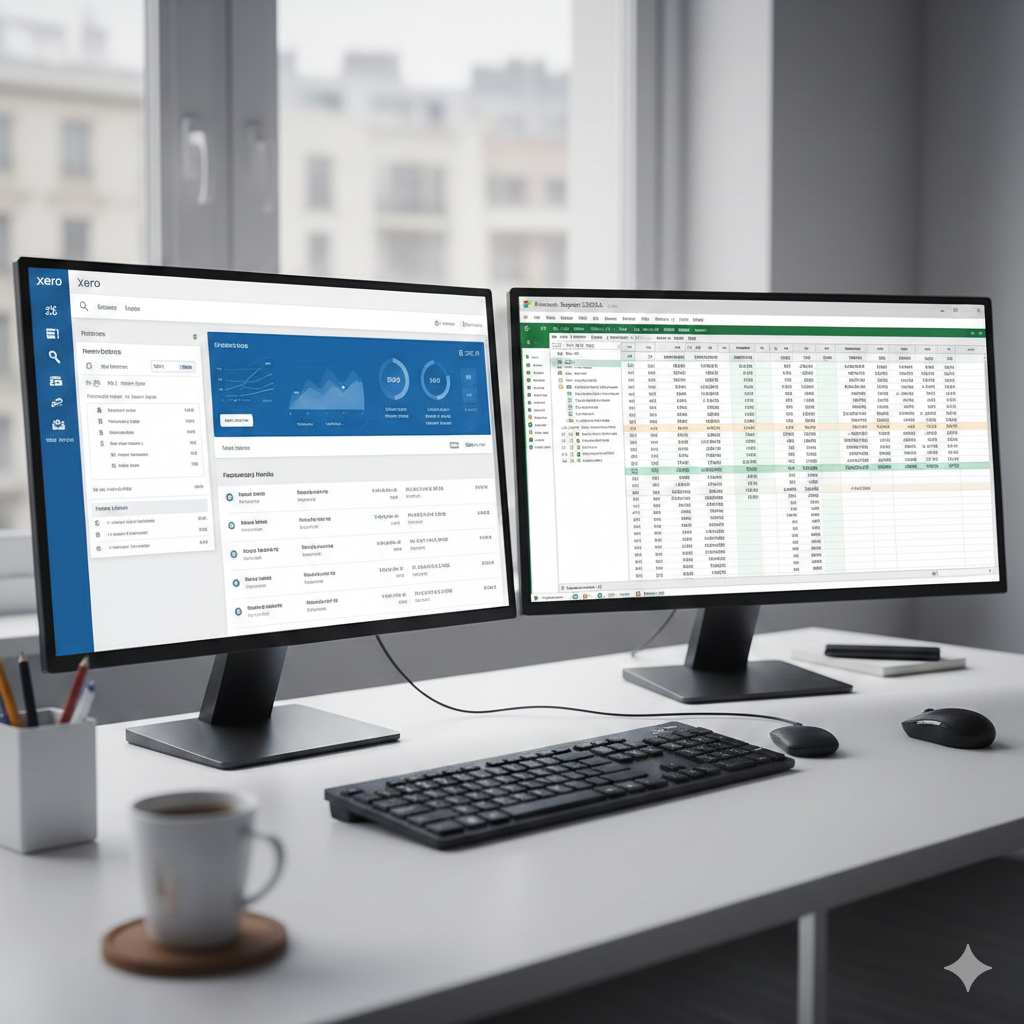
Are you stuck deciding between Xero and Excel for managing your business finances? You’re not alone.
Choosing the right tool can feel overwhelming, especially when both options promise to streamline your financial processes. But here’s the kicker: the choice you make can drastically impact your efficiency and bottom line. Imagine having a system that not only simplifies your bookkeeping but also saves you hours each week.
Which one will give you that edge? We’ll break down the key differences between Xero and Excel, so you can confidently choose the best tool for your business needs. Get ready to unlock the secrets to smoother financial management!
Features Comparison
Choosing between Xero and Excel can be challenging for businesses. Both tools offer distinct features that cater to different needs. Understanding these features helps in making an informed decision. Let’s dive into a detailed comparison.
Automation And Efficiency
Xero offers automated bank feeds and invoice generation. These features save time and reduce manual errors. Excel, on the other hand, requires manual data entry. It lacks built-in automation for repetitive tasks. For businesses seeking efficiency, Xero might be more appealing.
User Interface
Xero provides a user-friendly interface that is easy to navigate. Its dashboard displays key financial metrics clearly. Excel offers a spreadsheet format. While powerful, it can overwhelm new users. Those preferring a simpler design might lean towards Xero.
Integration Capabilities
Xero integrates seamlessly with many third-party applications. These include popular tools like PayPal and Stripe. Excel supports integrations too, but they often need manual configuration. For businesses relying on diverse tools, Xero’s integrations can be more beneficial.

Pricing Models
Choosing between Xero and Excel often begins with understanding their pricing models. Both offer unique pricing structures that cater to different needs. Users must weigh the cost against the features provided. This analysis helps determine which option offers the best value for their money.
Subscription Costs
Xero operates on a subscription-based model. Users pay a monthly fee for access. This fee varies based on the plan selected. Plans range from basic to premium. Each plan offers different features and capabilities. Excel, on the other hand, is part of the Microsoft Office suite. Users can purchase it as a one-time purchase or through Office 365. Office 365 requires a subscription, offering access to updates and cloud storage. Both pricing models have their pros and cons.
Long-term Value
When considering long-term value, assess your business needs. Xero’s regular updates and support can be beneficial. The subscription ensures you always have the latest features. Excel’s one-time purchase might seem cheaper initially. But, it lacks regular feature updates unless you subscribe to Office 365. For businesses needing scalability, Xero might offer more. Regular updates can make a difference over time. Consider the long-term benefits versus upfront costs.
Ease Of Use
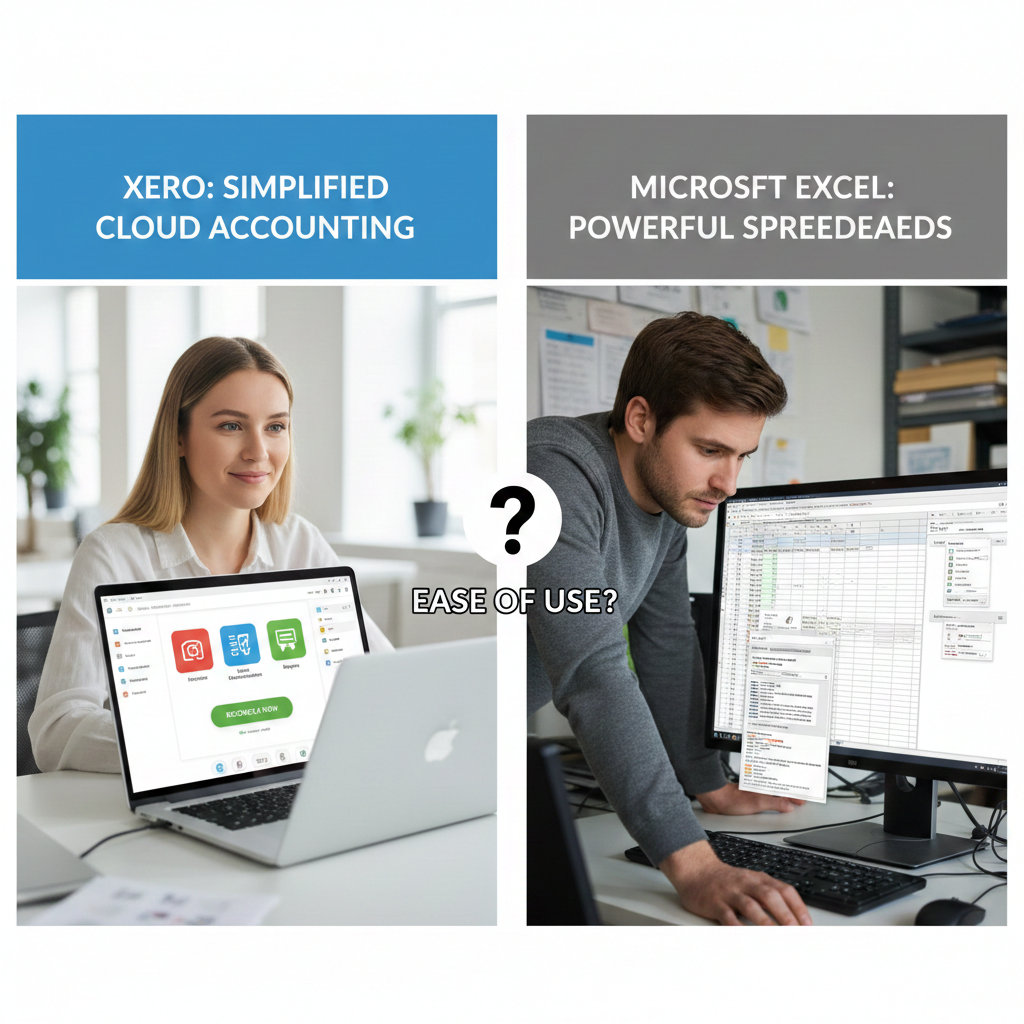
Both Xero and Excel offer powerful tools for managing finances. But users often ask which is easier to use. Understanding the ease of use can help in choosing the right tool. Let’s explore this aspect under different headings.
Learning Curve
Excel is familiar to many due to its long presence. Its interface is straightforward yet requires understanding formulas and functions. Beginners may find it challenging at first. But with practice, it becomes manageable.
Xero, on the other hand, is designed for accounting tasks. Its user interface is more intuitive for financial management. New users often find Xero easier to navigate. The learning curve is gentler compared to Excel.
Support And Resources
Excel has a vast community and many online tutorials. Users can find numerous resources to learn Excel basics and advanced features. Microsoft offers documentation and support for its products.
Xero provides extensive support for its users. Its help center includes guides and tutorials. Xero also offers webinars and training sessions. This helps users get the most out of the software.
Both tools have strong support networks. But Xero’s resources are tailored for accounting needs. This makes it convenient for those focusing on financial tasks.
Data Security
Data security is a crucial factor when choosing between Xero and Excel for managing your financial information. With the increasing number of cyber threats, safeguarding your data is more important than ever. You want to ensure that your financial information is secure and accessible only to authorized users. Let’s explore how Xero and Excel address data security, focusing on their unique approaches.
Cloud Security Measures
Xero operates entirely in the cloud, offering robust security measures to protect your data. The cloud infrastructure includes encryption, two-factor authentication, and regular security audits. These features ensure that your financial information remains protected from unauthorized access.
Imagine accessing your financial data from anywhere in the world, knowing it’s secured by advanced technology. This flexibility is one of the many advantages of cloud-based services like Xero. You can even share access with your accountant without worrying about data breaches.
Do you feel confident using cloud services for sensitive information? Understanding the security protocols can offer peace of mind when managing your finances.
Local Storage Risks
Excel, on the other hand, often relies on local storage. This means that your data is stored on your device, which can be a double-edged sword. While it might seem secure, local storage is vulnerable to physical theft, hardware failure, and malware attacks.
Consider the risks if your laptop gets stolen or crashes. Your financial data could be at risk. Without regular backups or security measures, you might lose access to critical information.
Have you experienced a data loss due to hardware issues or theft? It’s a reminder of how vulnerable local storage can be.
Ultimately, the choice between Xero and Excel depends on your comfort with cloud security versus local storage risks. Do you prioritize advanced security features or prefer the control of local storage? Your decision will shape how you manage and protect your financial data.
Scalability
Scalability is crucial for businesses as they grow. Choosing the right tool can aid in smooth expansion. Both Xero and Excel offer unique scalability features. Understanding these differences helps businesses decide what fits their needs best.
Small Business Needs
Small businesses often have limited resources. They need tools that are easy to use and cost-effective. Excel is familiar and widely used. It offers basic spreadsheet functions that meet initial needs. But as businesses grow, Excel’s limitations become apparent. Its manual data entry can lead to errors.
Xero, on the other hand, provides automation. It reduces errors and saves time. Xero’s cloud-based system allows access from anywhere. This flexibility benefits small businesses with remote teams. Its features support growth without additional costs. Small businesses find Xero scalable as they expand.
Enterprise Solutions
Enterprises require more advanced solutions. They handle large volumes of data. Excel struggles with scalability here. Its performance may degrade with massive datasets. Enterprises need real-time data and advanced analytics.
Xero offers integrations with various business apps. This ensures seamless data flow. Enterprises benefit from Xero’s robust reporting tools. These tools provide insights for strategic decisions. Xero’s scalability meets the demands of large organizations. Its cloud platform ensures data security and accessibility.

Customizability
Customizability plays a crucial role in choosing financial tools. Xero and Excel offer unique features. Each caters to different needs. Understanding their customizability helps in making informed decisions.
Template Flexibility
Excel offers extensive template options. Users can create personalized spreadsheets. These templates suit various financial tasks. From budgeting to forecasting, Excel covers it all. Modify existing templates or start from scratch. This flexibility appeals to many users.
Xero, on the other hand, provides predefined templates. These templates are designed for specific accounting tasks. Users can choose from invoices, reports, and more. While not as flexible as Excel, Xero’s templates are user-friendly. They require less setup time, aiding quick implementation.
Advanced Custom Options
Excel excels in advanced customization. Users can add complex formulas. Create macros for repetitive tasks. Visualize data using charts and graphs. This level of customization is ideal for detailed financial analysis. Excel allows tweaking every aspect of the spreadsheet.
Xero offers customization within its framework. Users can tailor reports to meet their needs. Set up custom fields for detailed tracking. Modify invoice templates to reflect brand identity. Though not as extensive as Excel, Xero’s options are sufficient for many businesses.
User Experience
Comparing Xero and Excel highlights their distinct user experiences. Xero offers streamlined, cloud-based accounting, enhancing accessibility and collaboration. Excel provides robust data manipulation tools, ideal for detailed financial analysis. Each platform caters to different needs, shaping the user’s interaction with financial data.
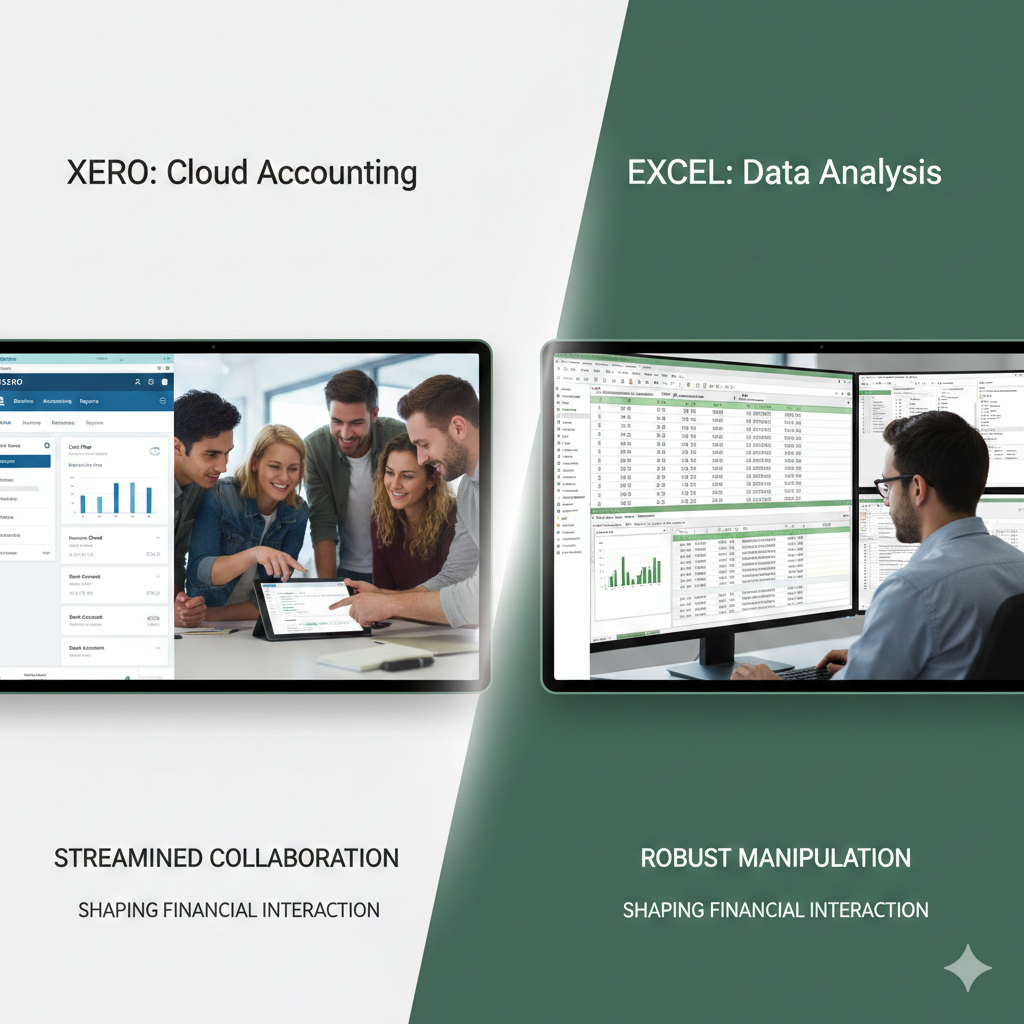
User Experience Choosing the right tool for managing your financial data can make a world of difference in your daily routine. You might spend less time clicking through confusing menus and more time focusing on growing your business.
Whether you are an Excel aficionado or a Xero enthusiast, understanding the user experience can help you decide which platform better suits your needs. Let’s explore how these two tools measure up in terms of navigation, layout, and accessibility features.
Navigation And Layout
Navigating through Excel can sometimes feel like embarking on a treasure hunt. With countless tabs and options, it might take you some time to get comfortable. However, the interface is highly customizable, allowing you to tailor it to your preferences. Xero, on the other hand, offers a more streamlined experience.
Its intuitive dashboard is designed with simplicity in mind. You can easily find what you need without feeling overwhelmed. This could be a game changer if you prefer a straightforward approach. Which do you find more important? Customizability or simplicity?
Accessibility Features
Excel has been a staple in the industry for decades, but it may not be the most accessible option for everyone. It requires some technical know-how to harness its full potential. Additionally, it lacks some modern accessibility features that might benefit users with disabilities.
Xero shines with its cloud-based platform, offering you the flexibility to access your data from anywhere. It also integrates with various third-party apps, enhancing its accessibility even further. Imagine being able to review your financials on your phone while sipping coffee at a café.
Is remote access a priority in your decision-making process? Ultimately, the user experience in both Excel and Xero has its unique strengths. Excel gives you control, while Xero offers convenience. Your choice will depend on your personal preferences and what you value most in a financial tool.
Performance And Speed
Xero offers faster data processing compared to Excel, enhancing overall performance. Excel’s speed depends on file size and complexity, sometimes slowing down with large datasets. Xero’s cloud-based platform ensures quick access and updates, while Excel requires manual handling for real-time data changes.
When you’re managing your financial data, performance and speed can make or break your workflow. Imagine trying to complete a monthly report with a tool that lags or struggles under the weight of your data. Choosing the right tool is crucial for efficiency and productivity. Let’s dive into how Xero and Excel stack up in terms of performance and speed.
Real-time Processing
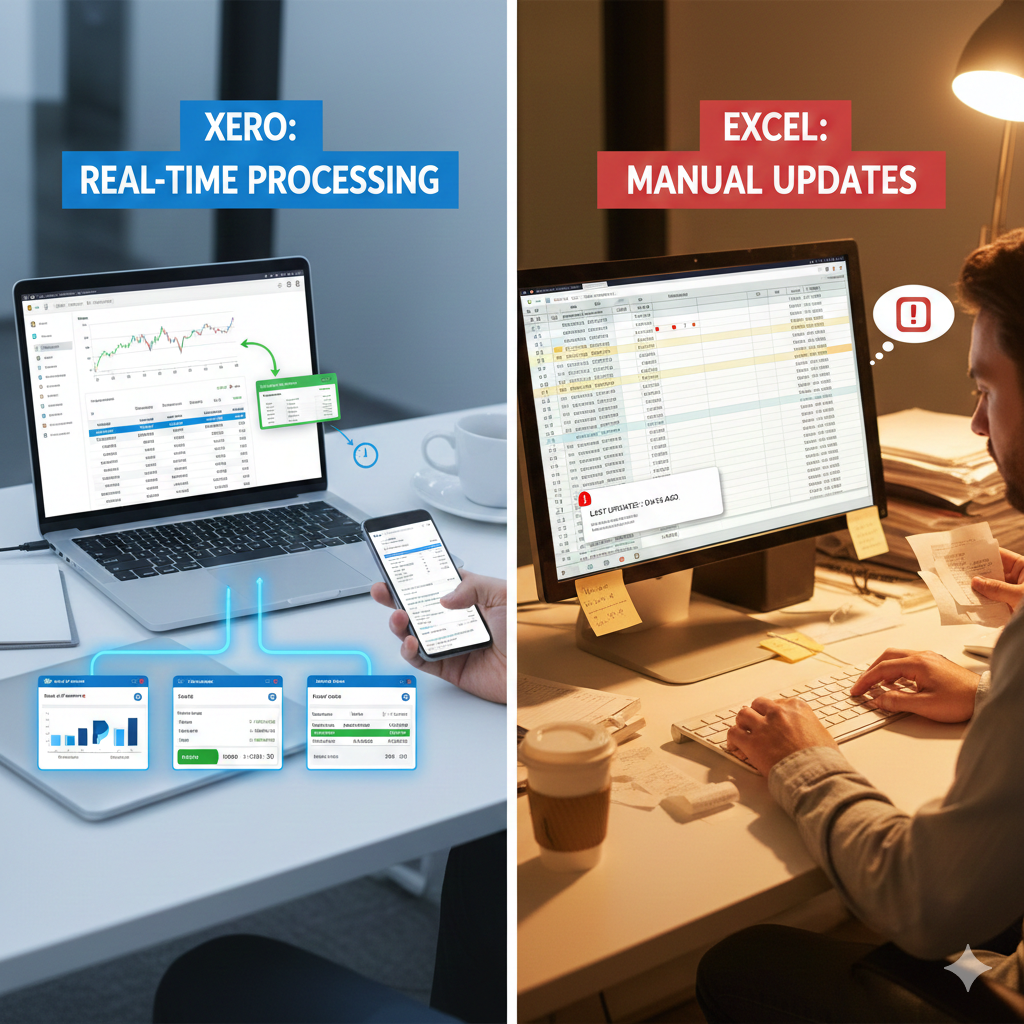
Xero excels in real-time processing by automatically updating your financial data. You can view transactions as they happen, making it easier to stay on top of your finances. This is particularly useful if you’re managing multiple bank accounts or need to track cash flow daily. Excel, on the other hand, requires manual updates.
You have to enter each transaction by hand, which can be time-consuming. If you forget to update regularly, your data might be out of date, leading to potential errors in decision-making. Have you ever missed an important transaction because it wasn’t updated in your Excel sheet? With Xero, those worries are minimized since data is refreshed in real-time.
Large Data Handling
Handling large datasets can be a headache in Excel. As your data grows, Excel can become sluggish, impacting your efficiency. You might find yourself waiting for formulas to calculate or files to open, which can be frustrating during tight deadlines. Xero handles large datasets more efficiently because it’s cloud-based. You don’t have to worry about your device’s processing power.
The cloud infrastructure ensures quick access and fast processing regardless of the data size. If you’ve ever experienced Excel freezing when processing large datasets, you know how annoying that can be. Xero’s capability to manage large data without slowing down can save you time and stress.
In choosing between Xero and Excel, consider how important real-time updates and handling large amounts of data are for your financial tasks. Do you prioritize speed and efficiency, or are you willing to trade off performance for the familiarity of Excel? Your choice could significantly impact your productivity.
Community And Support
Choosing between Xero and Excel often depends on community support. Xero users benefit from active online forums and dedicated customer service. Excel, widely used, offers diverse resources like tutorials and forums, yet lacks direct support.
In the digital age, having robust community support is vital for any software. Whether you’re a seasoned accountant or a small business owner, knowing there’s help when you need it can be a game-changer. Xero and Excel offer different types of support, and understanding these can help you decide which tool aligns with your needs.
Online Forums
Both Xero and Excel boast active online communities. Xero users often turn to its dedicated forum, Xero Central, where you can ask questions and share insights. The platform has a vibrant community of fellow users and Xero experts willing to help. Excel, being part of Microsoft Office, has a massive user base.
The Microsoft Community Forum is a treasure trove of information. From troubleshooting advice to advanced formula tips, the collective knowledge is vast. You can find niche solutions to specific problems, and even contribute your own tips. Have you ever solved a tricky issue by browsing through forums? It’s satisfying, isn’t it? Online forums not only resolve queries but also empower you to learn from others’ experiences.
Customer Service
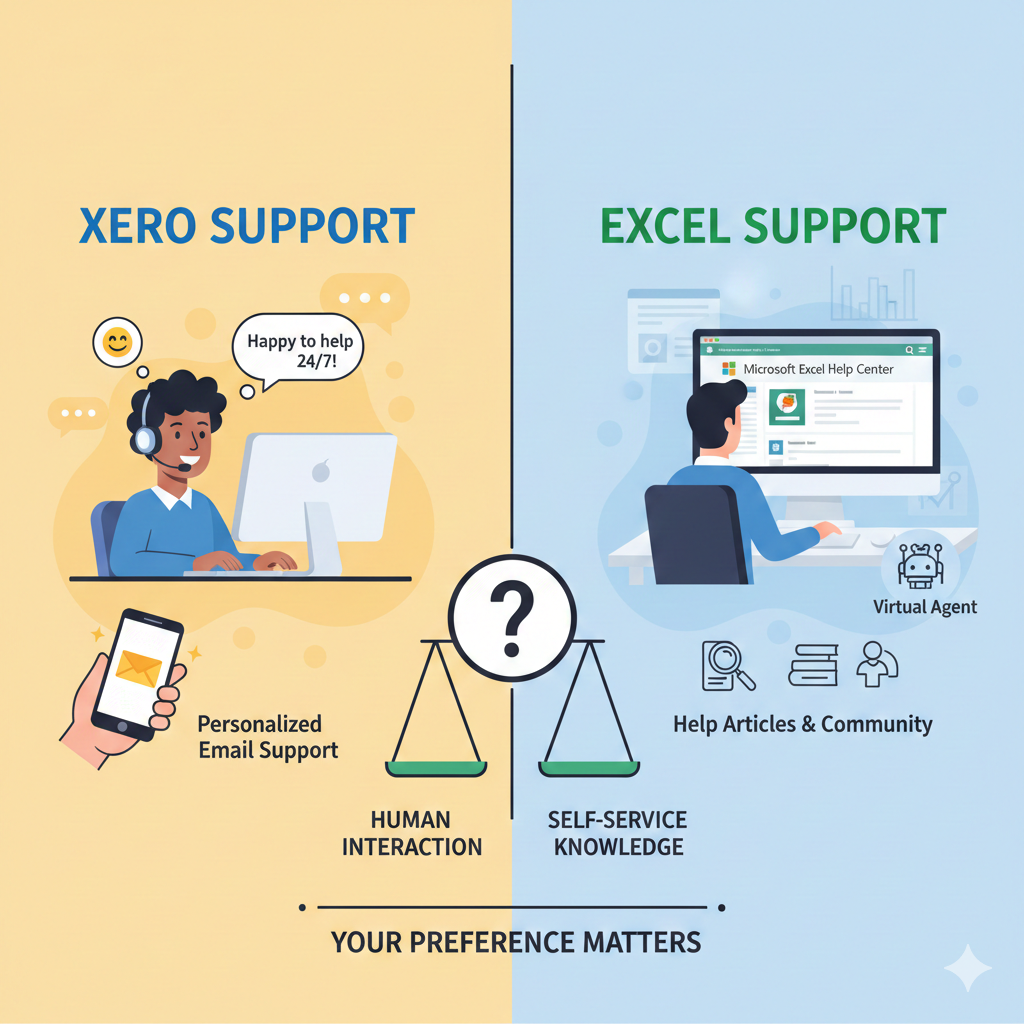
When it comes to customer service, Xero shines with its personalized approach. They offer 24/7 email support, ensuring you receive timely assistance. Xero’s team is known for their friendly and helpful responses, which can be reassuring when you’re stuck. Excel’s support is integrated within Microsoft’s broader customer service network.
While direct support might not be as accessible as Xero, Excel users can rely on comprehensive help articles and community-driven solutions. Microsoft also offers a virtual agent to assist with common queries. How do you prefer getting help? Do you lean towards human interaction, or do you prefer digging through extensive help articles for answers?
Ultimately, your choice between Xero and Excel might hinge on how much community and support matter to you. Consider what fits your style—quick responses, or a treasure hunt through forums. Your decision can make a significant impact on your productivity and peace of mind.
Overall Pros And Cons
Xero offers seamless cloud-based accounting with automation features, ideal for businesses needing real-time financial insights. Excel provides flexibility and familiarity for spreadsheet enthusiasts, suitable for custom data analysis. Each platform has unique strengths, catering to different user needs.
When deciding between Xero and Excel for your accounting needs, it’s essential to weigh the overall pros and cons of each platform. Both tools offer unique advantages and potential drawbacks. Understanding these can help you make an informed decision that aligns with your business goals and personal preferences.
Strengths Of Xero
Xero offers seamless integration with various financial services, making it a favorite for businesses looking for efficiency. You can connect your bank accounts, automate invoice processes, and even track expenses—all in one place. This simplifies your accounting tasks and reduces the risk of human error. Another strength of Xero is its user-friendly interface. Even if you’re not a financial expert, you’ll find it easy to navigate through its features. The dashboard provides a clear overview of your financial health, helping you make quick, informed decisions.
Xero also shines in terms of collaboration. You can grant access to your accountant or team members, allowing multiple users to work simultaneously without data conflicts. This feature is particularly beneficial if your business has remote employees.
Limitations Of Excel
Excel, while versatile, can become cumbersome for complex financial tasks. It lacks the automation features that Xero offers, requiring you to manually input data. This not only takes up more time but also increases the likelihood of errors.
Another limitation is Excel’s difficulty in handling real-time data updates. Unlike Xero, you won’t have the advantage of seeing your financial information in real-time. This can be a significant drawback if you need up-to-date insights for decision-making. Excel is also less intuitive when it comes to collaboration.
Sharing files can be risky, as changes made by one person can overwrite those made by another. This can lead to confusion and mistakes, especially in fast-paced environments. Have you ever found yourself frustrated with manual data entry in Excel? What if there was a way to streamline your processes and reduce errors? The choice between Xero and Excel could transform how you manage your finances.
Conclusion
Choosing between Xero and Excel depends on your needs. Xero offers specialized tools for managing finances. Excel provides flexibility and familiarity for general tasks. Consider your business size and complexity. Small businesses might benefit more from Xero’s automation. Larger organizations may prefer Excel’s customizability.
Both have strengths and weaknesses. Understand what features are essential for you. Cost, ease of use, and support are crucial factors. Evaluate your priorities and decide wisely. The right tool can streamline your financial processes effectively. Make sure your choice aligns with your business goals.