If you run a business, you might use software to help you work better. Two popular tools are HubSpot and Xero. HubSpot helps with marketing and sales. Xero is for accounting and money management. You may wonder: Does HubSpot integrate with Xero? This article will explain the answer clearly.
What Is HubSpot?
HubSpot is a tool that helps companies manage their marketing, sales, and customer service. It keeps all customer information in one place. This makes it easy to talk to customers and grow your business.
What Is Xero?
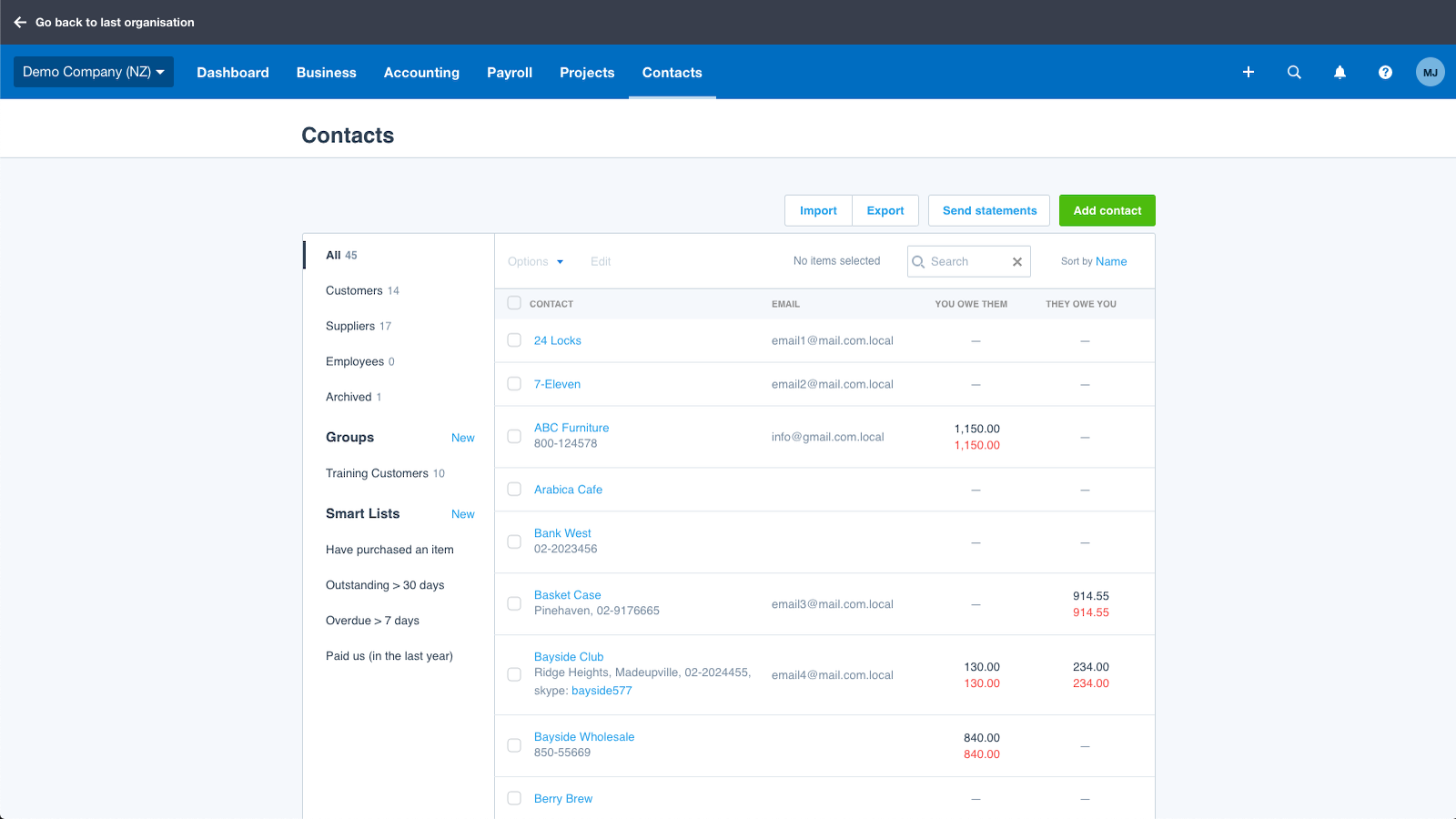
Xero is an online accounting program. It helps businesses keep track of money, bills, and invoices. You can see your financial health anytime from anywhere. Xero is easy to use and popular with small and medium businesses.
Why Would You Want to Connect HubSpot and Xero?
Both tools help your business in different ways. HubSpot manages customer contacts and sales deals. Xero handles money and invoices. If these two work together, you can save time and avoid mistakes.
Save time by not entering data twice.
See sales and money info in one place.
Make fewer errors when moving data.
Keep better track of customers and payments.
Does HubSpot Integrate With Xero?
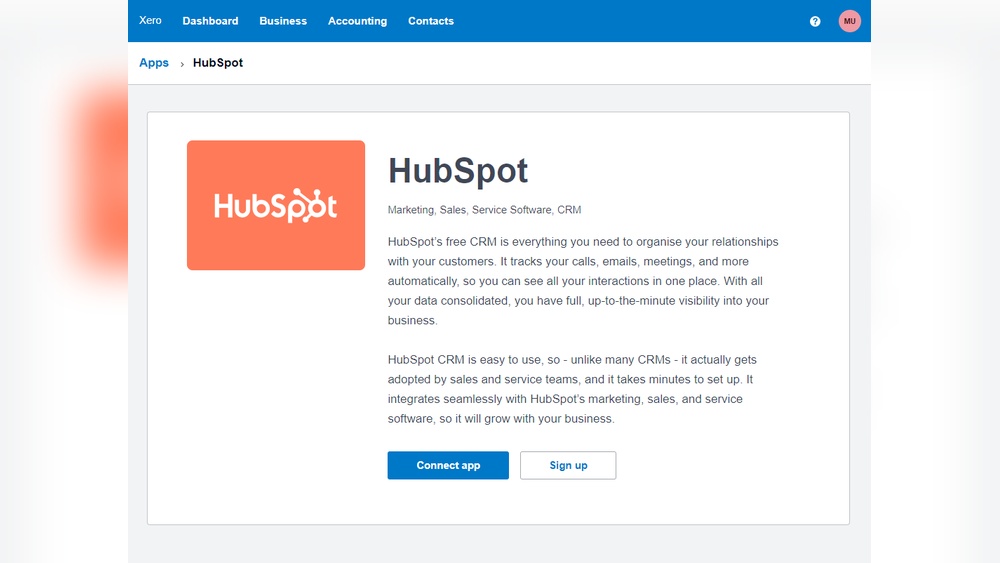
Yes, HubSpot can integrate with Xero. This means the two programs can share information automatically. But this integration is not built into HubSpot by default. You usually need a third-party app or tool to connect them.
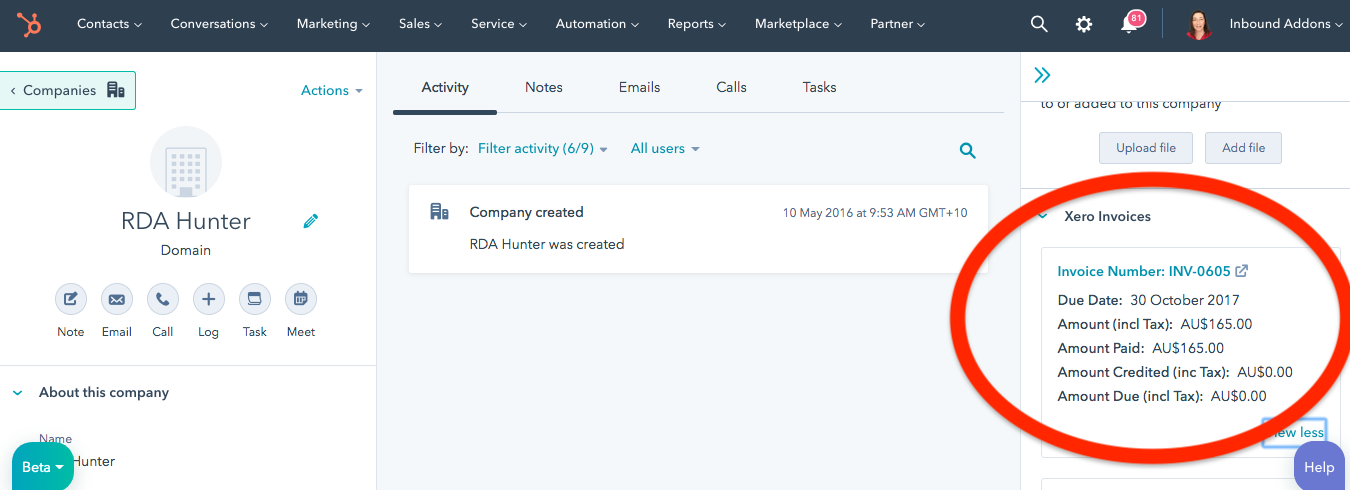
Many apps can link HubSpot and Xero. These apps send data between the two programs. For example, when you close a sale in HubSpot, the app can create an invoice in Xero automatically. This helps keep both systems updated without extra work.
How Does The Integration Work?
When integrated, HubSpot and Xero can do these things:
HubSpot Feature
Xero Feature
What Happens in Integration
Deals and Sales
Invoices and Quotes
Sales deals in HubSpot create invoices in Xero automatically.
Customer Contacts
Customer Records
Customer info syncs between HubSpot and Xero to keep both updated.
Products and Services
Inventory and Pricing
Product details stay the same in both apps.
Payment Status
Financial Data
Payment updates in Xero can show in HubSpot.
Popular Tools to Connect HubSpot and Xero
You can use apps like Zapier or Cloudify to connect HubSpot with Xero. These tools create workflows that send data between the two systems.
Zapier: Easy to use with no coding skills needed.
Cloudify: Offers automatic invoice and quote creation.
Other Integration Apps: Found in the HubSpot Marketplace or Xero App Store.
Using Zapier For Integration
Zapier lets you create “Zaps.” These are simple rules that move data between HubSpot and Xero.
For example:
When a new deal closes in HubSpot, create an invoice in Xero.
When a new customer is added in Xero, add contact to HubSpot.
Zapier is good for small businesses or beginners. It does not need coding or technical skills.
Benefits of Integrating HubSpot With Xero
Integrating these two tools can help your business in many ways.
Save Time: No need to enter data twice.
Reduce Errors: Less chance of mistakes in data entry.
Better Customer Management: See customer info and payment status easily.
Improve Cash Flow: Faster invoicing and payment tracking.
More Efficient Team: Sales and finance teams work better together.
Things to Keep in Mind About the Integration
While integrating HubSpot and Xero is helpful, there are some points to consider:
Some integration apps may cost money.
Not all data syncs perfectly. Some manual checks may be needed.
You might need help setting up the connection.
Some users report switching between apps can be confusing.
Step-by-Step: How to Connect HubSpot With Xero
Here is a simple guide to start integrating these tools:
Choose an integration app like Zapier or Cloudify.
Create accounts or log in to HubSpot and Xero.
Connect the integration app to both HubSpot and Xero.
Set up rules: Decide what data moves and when.
Test the connection by creating a test deal or invoice.
Fix any errors and start using the integration.
Conclusion
Does HubSpot integrate with Xero? Yes, it does. But you need a third-party app to connect them. Integration helps save time and reduce errors. It also gives your team better information about sales and payments.
If you want your sales and accounting tools to work together, try integrating HubSpot and Xero. Choose the right app for your business. Take your time to set it up correctly. This will help your business run smoothly and grow over time.