
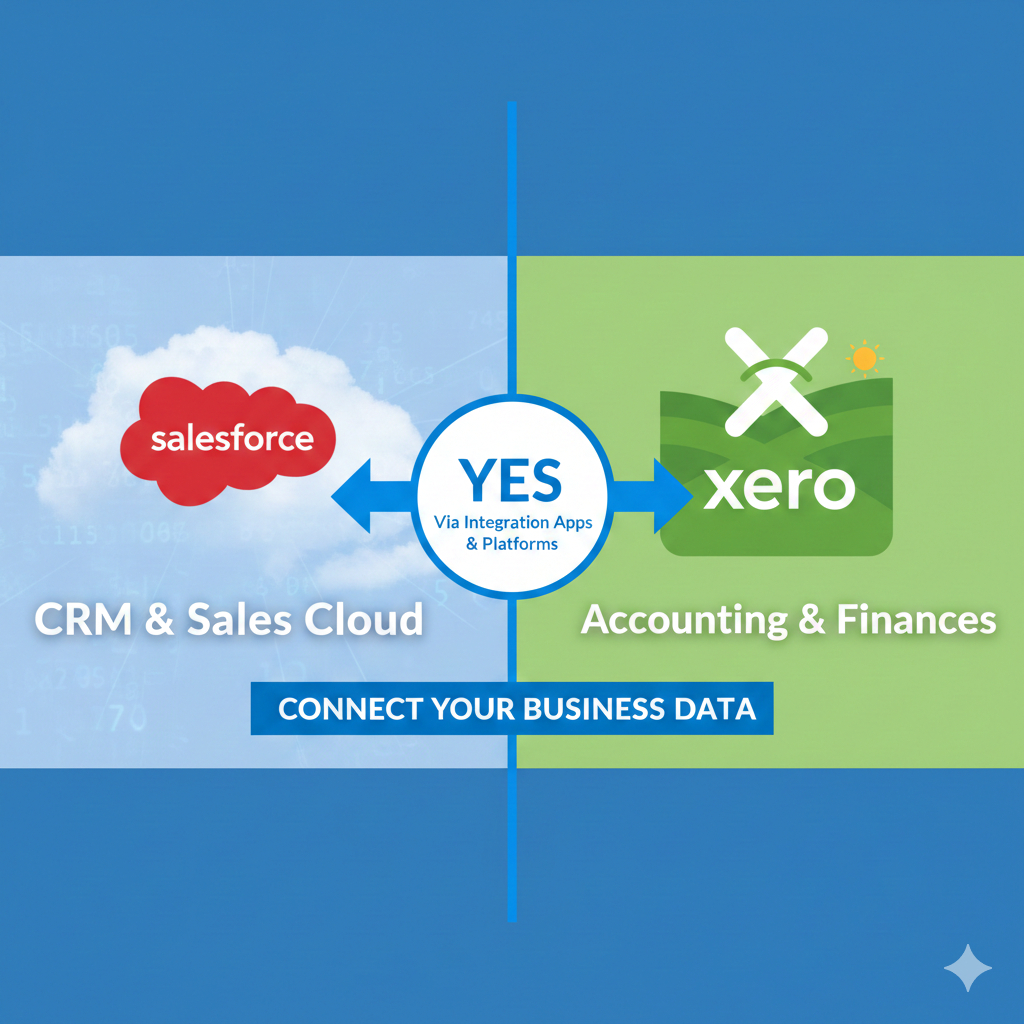
If you run a business, you might use software to help manage your customers and money. Two popular tools are Salesforce and Xero. You might wonder: does Salesforce work with Xero? Can they share information? This article will explain how these two systems can connect. We will look at the benefits and ways to integrate them. By the end, you will know if Salesforce and Xero can help your business work better.
What is Salesforce?
Salesforce is a tool that helps businesses manage their customers. It is called a Customer Relationship Management system or CRM. People use it to track sales, marketing, and support tasks. It keeps all customer information in one place. This way, teams can work faster and smarter.
What is Xero?
Xero is a popular accounting software. It helps businesses manage money, bills, and invoices. It also tracks expenses and prepares reports. Xero is easy to use and works online. Many small and medium businesses choose Xero for their accounting needs.
Can Salesforce Integrate With Xero?
The short answer is yes. Salesforce can work with Xero. They can share data and talk to each other. This is called integration. When integrated, the two systems can send and receive information automatically. This makes work easier and saves time.
Why Integrate Salesforce With Xero?
Connecting Salesforce and Xero has many benefits. Here are some reasons why businesses do it:
- Save Time: No more typing the same data twice. Information moves on its own.
- Fewer Mistakes: Manual entry causes errors. Automation helps avoid these mistakes.
- Better Customer View: Sales and money data come together. You see the full picture.
- Streamlined Work: Sales and accounting teams stay in sync and work better.
- Faster Payments: Invoices can be created quickly after sales close.
How Does the Integration Work?
To connect Salesforce and Xero, you need a tool or app. These tools transfer data between the two systems. They use something called an API. An API is like a messenger that helps software talk to each other.
Here is how it works step-by-step:
- Set Up Connection: You install an integration app or use a platform.
- Choose Data to Share: Decide what data moves between Salesforce and Xero.
- Automate Transfer: The app sends data automatically on a schedule or event.
- Check Data Sync: Make sure the data matches in both systems.
What Data Can Be Shared?
Here are some common data types shared between Salesforce and Xero:
| Salesforce Data | Xero Data |
|---|---|
| Customer details (contacts) | Customer records |
| Sales invoices | Invoices for payment |
| Payment status | Payment records |
| Quotes and orders | Billing information |
What Tools Help Integrate Salesforce and Xero?
You can use several tools to connect Salesforce with Xero. Some are made by third parties. Others work inside Salesforce itself.
- Dedicated Apps: Some apps are built only for Salesforce and Xero integration. These apps automate data flow and sync.
- Integration Platforms: Platforms like MuleSoft, Dell Boomi, and Jitterbit help connect many systems, including Salesforce and Xero.
- Custom Solutions: Developers can build custom tools using APIs to fit specific business needs.

Popular Integration Apps
Here are a few apps you might find useful:
| App Name | Key Feature | Benefit |
|---|---|---|
| Zapier | Automates simple tasks | Easy to use, no coding needed |
| Workato | Advanced automation | Handles complex workflows |
| MuleSoft | Enterprise integration | Scalable and powerful |
What Are the Challenges of Integration?
Integration is helpful, but it is not always simple. Here are some common challenges:
- Setup Time: It can take time to connect and test the systems.
- Cost: Some apps or platforms may have fees.
- Data Mapping: You must match data fields carefully for smooth transfer.
- Ongoing Maintenance: Updates to Salesforce or Xero may affect the integration.
- Technical Skills: Some knowledge is needed to set up and fix issues.
How to Start Integrating Salesforce With Xero
If you want to connect these two tools, here are some simple steps:
- Check Your Needs: What data do you want to share? What tasks to automate?
- Research Tools: Look for apps or platforms that fit your needs and budget.
- Test the Integration: Try the connection with sample data first.
- Train Your Team: Make sure users know how to use the integrated system.
- Monitor Regularly: Check that data syncs well and fix problems quickly.
Benefits for Small and Medium Businesses
Many small and medium businesses use Salesforce and Xero together. Here is why:
- Save Money: Reduce manual work and errors, saving costs.
- Improve Cash Flow: Faster invoicing means faster payments.
- Better Customer Service: Sales and support have up-to-date info.
- Grow Smoothly: The system works as your business grows.
Final Words
Salesforce can integrate with Xero. This means they can share information automatically. Integration helps businesses save time and reduce mistakes. You can use special apps or platforms to connect them. It is important to plan and test the integration well. When done right, it improves your business work.
If you use Salesforce to manage customers and Xero for money, linking them makes sense. It brings sales and accounting teams closer. It also helps you see your business better. So, yes, Salesforce does integrate with Xero. And it can help your business work better.