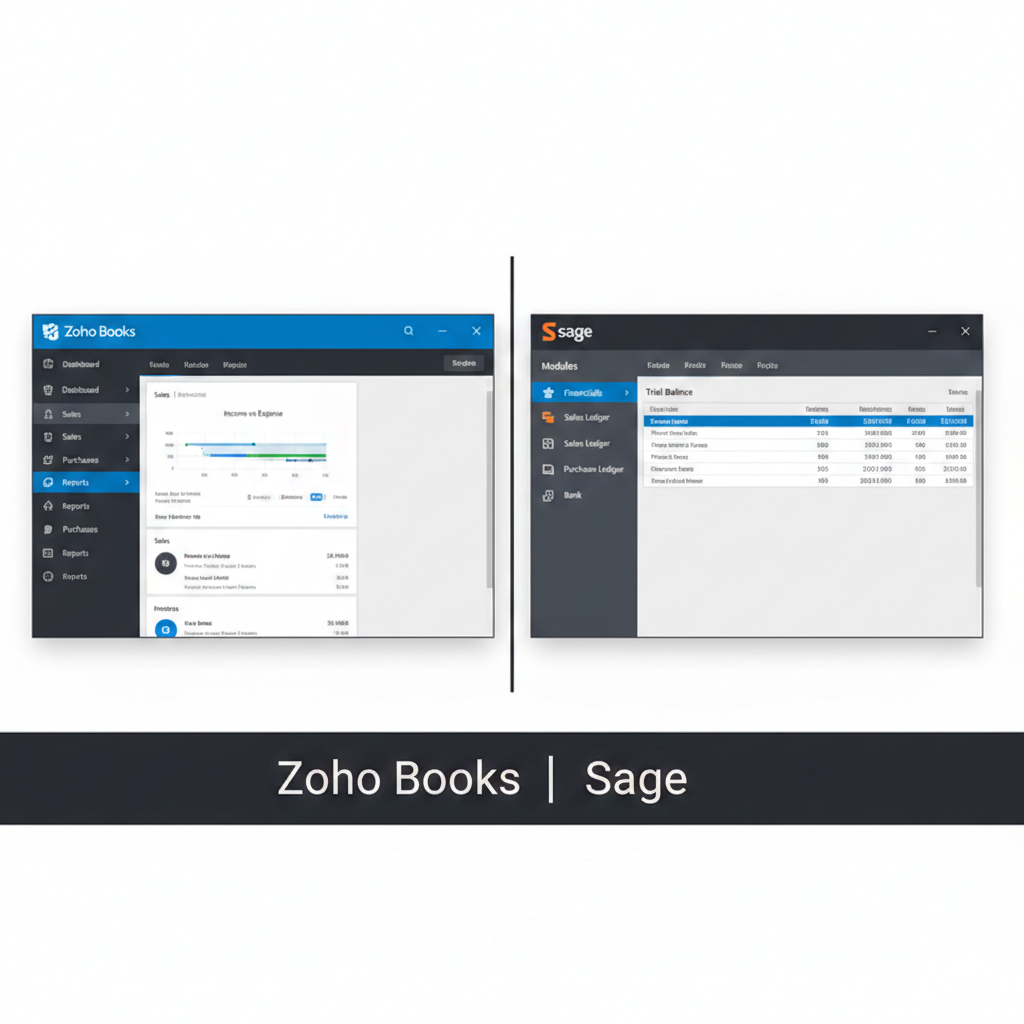
Choosing accounting software is one of the most important decisions a business owner can make. The right system doesn’t just manage numbers; it shapes how efficiently your company operates, how clearly you understand your finances, and how confidently you plan for growth. Two well-known names that often come up in this conversation are Zoho Books and Sage. Both offer powerful accounting capabilities, but they serve businesses in different ways.
In this in-depth comparison, we will explore Zoho Books and Sage from every angle—features, usability, pricing, integrations, reporting, scalability, support, and overall value—so you can decide which solution best fits your needs.
Company Background
Zoho Books
Zoho Corporation is a global technology company known for its wide range of cloud-based business tools. Zoho Books is part of the larger Zoho ecosystem, which includes CRM, email marketing, project management, HR, and more. Zoho Books focuses on small to medium-sized businesses that want a modern, cloud-first accounting solution with strong automation.
Sage
Sage Group is a long-established accounting software provider with decades of experience. Sage offers several products, including Sage 50, Sage 200, and Sage Business Cloud Accounting. Historically strong in desktop accounting, Sage has expanded into cloud-based solutions while maintaining a presence in mid-sized and enterprise markets.
Ease of Use
Zoho Books: Clean and Modern
Zoho Books is designed with simplicity in mind. The interface is clean, intuitive, and easy to navigate. New users can quickly understand how to create invoices, track expenses, and generate reports. The dashboard provides a snapshot of financial health, including cash flow, receivables, payables, and profit.
Because Zoho Books is fully cloud-based, there is no installation required. Everything runs smoothly in a browser, and mobile apps allow business owners to manage finances on the go.
For startups and small businesses, this simplicity can be a major advantage. There’s less learning curve and fewer technical barriers.
Sage: Powerful but Sometimes Complex
Sage products vary in usability depending on the version. Sage 50, for example, has a more traditional interface that may feel dated compared to modern cloud platforms. While it offers strong accounting features, beginners might find it slightly overwhelming.
Sage Business Cloud Accounting is more user-friendly and aligns better with modern design expectations. However, overall, Sage products tend to assume some accounting knowledge, which can make them better suited for experienced finance teams rather than solo entrepreneurs.
Core Accounting Features
Both platforms cover essential accounting tasks, but their depth and focus differ.
Invoicing
Zoho Books allows users to create professional invoices with customizable templates. You can automate recurring invoices, set up payment reminders, and accept online payments. Multi-currency support makes it useful for businesses serving international clients.
Sage also offers invoicing capabilities, including recurring invoices and payment tracking. In higher-tier versions, Sage supports more complex billing scenarios.
Expense Tracking
Zoho Books makes it easy to track expenses, categorize them, and attach receipts. Bank feeds automatically import transactions, reducing manual entry.
Sage provides strong expense management as well, especially in mid-tier and advanced plans. It can handle complex cost tracking and departmental allocations.
Bank Reconciliation
Both Zoho Books and Sage allow automatic bank feeds and reconciliation. Zoho’s interface makes reconciliation simple and visually clear, which benefits smaller businesses.
Sage’s reconciliation tools are powerful, especially for larger companies with multiple bank accounts and higher transaction volumes.
Automation and Efficiency
Automation can save hours of work every week.
Zoho Books
Zoho Books excels in automation. You can set up workflows that trigger actions based on conditions. For example:
- Send a reminder when an invoice becomes overdue
- Automatically categorize recurring expenses
- Notify team members when bills exceed a certain amount
This flexibility makes Zoho Books appealing to businesses looking to reduce repetitive tasks.
Sage
Sage offers automation as well, particularly in higher-tier products. However, in many cases, advanced automation may require add-ons or more expensive plans. While powerful, it may not feel as seamlessly integrated as Zoho’s workflow system.

Reporting and Financial Insights
Financial reports are the backbone of informed decision-making.
Zoho Books Reporting
Zoho Books provides:
- Profit and loss statements
- Balance sheets
- Cash flow statements
- Accounts receivable aging
- Accounts payable aging
- Sales reports
Reports are customizable and exportable. For small and medium businesses, Zoho’s reporting is more than sufficient.
Sage Reporting
Sage is well known for robust financial reporting. It often goes deeper, especially in products designed for larger businesses. Advanced budgeting, forecasting, and financial analysis tools are strong selling points.
For companies with complex reporting needs, Sage may offer more granular control.
Integrations and Ecosystem
Zoho Books Ecosystem
One of Zoho Books’ biggest strengths is its integration with the broader Zoho suite. Businesses using Zoho CRM, Zoho Inventory, Zoho Projects, or Zoho Payroll benefit from seamless data sharing.
In addition, Zoho Books integrates with third-party payment gateways, e-commerce platforms, and productivity tools.
For businesses already using Zoho products, the ecosystem advantage is significant.
Sage Integrations
Sage also integrates with a wide range of business applications, including payroll, HR, and inventory systems. However, integration experiences can vary depending on the Sage product.
For larger organizations with complex systems, Sage’s integration flexibility can be valuable.
Pricing and Value
Pricing is often a deciding factor.
Zoho Books Pricing
Zoho Books is generally more affordable, especially for small businesses. It offers multiple pricing tiers to suit different needs. The entry-level plans provide strong functionality at a competitive price.
This makes Zoho Books attractive for startups, freelancers, and growing companies with limited budgets.
Sage Pricing
Sage products typically cost more, especially advanced versions like Sage 50 or Sage 200. While they justify the price with advanced features and depth, small businesses may find it expensive.
For established businesses with complex accounting requirements, the higher cost may be worthwhile.
Scalability
Zoho Books Scalability
Zoho Books works well for small to medium-sized businesses. It can scale as your company grows, especially if you upgrade plans or integrate with other Zoho tools.
However, very large enterprises with complex operational structures may eventually outgrow Zoho Books.

Sage Scalability
Sage is designed with scalability in mind. From small business accounting to mid-market ERP-style solutions, Sage provides upgrade paths.
Businesses planning rapid expansion or requiring advanced inventory and manufacturing capabilities may prefer Sage for long-term scalability.
Customer Support
Zoho Books Support
Zoho offers email, chat, and phone support depending on the plan. Documentation and community forums are also available. Users often appreciate the responsiveness and helpful guides.
Sage Support
Sage provides phone and online support. Because of its long history, Sage also has a network of certified partners and consultants. This can be beneficial for businesses that require hands-on implementation support.
Security and Compliance
Both platforms prioritize data security with encryption and secure cloud infrastructure. Zoho Books provides role-based access control and audit trails.
Sage also offers strong compliance features, especially in versions designed for regulated industries.
Ideal Users
Zoho Books Is Best For:
- Freelancers
- Startups
- Small to medium businesses
- Companies using other Zoho products
- Budget-conscious businesses
- Owners who want easy automation
Sage Is Best For:
- Established companies
- Businesses with complex accounting needs
- Organizations requiring advanced reporting
- Companies planning significant growth
- Firms that prefer traditional accounting systems
Final Verdict: Which Should You Choose?
Choosing between Zoho Books and Sage depends on your business size, budget, and complexity.
If you are running a startup or small business and want affordable, user-friendly, cloud-based accounting with strong automation, Zoho Books is a compelling choice. It simplifies daily accounting tasks while offering enough depth to grow with your business.
If your business has complex financial processes, multiple departments, advanced reporting needs, or plans for large-scale expansion, Sage may be the better long-term investment. Its deep functionality and scalability make it suitable for more demanding environments.
There is no one-size-fits-all answer. The best choice is the one that aligns with your business goals, operational complexity, and financial plans.
In the end, both Zoho Books and Sage are powerful accounting solutions. The key is understanding where your business stands today—and where you want it to go tomorrow.