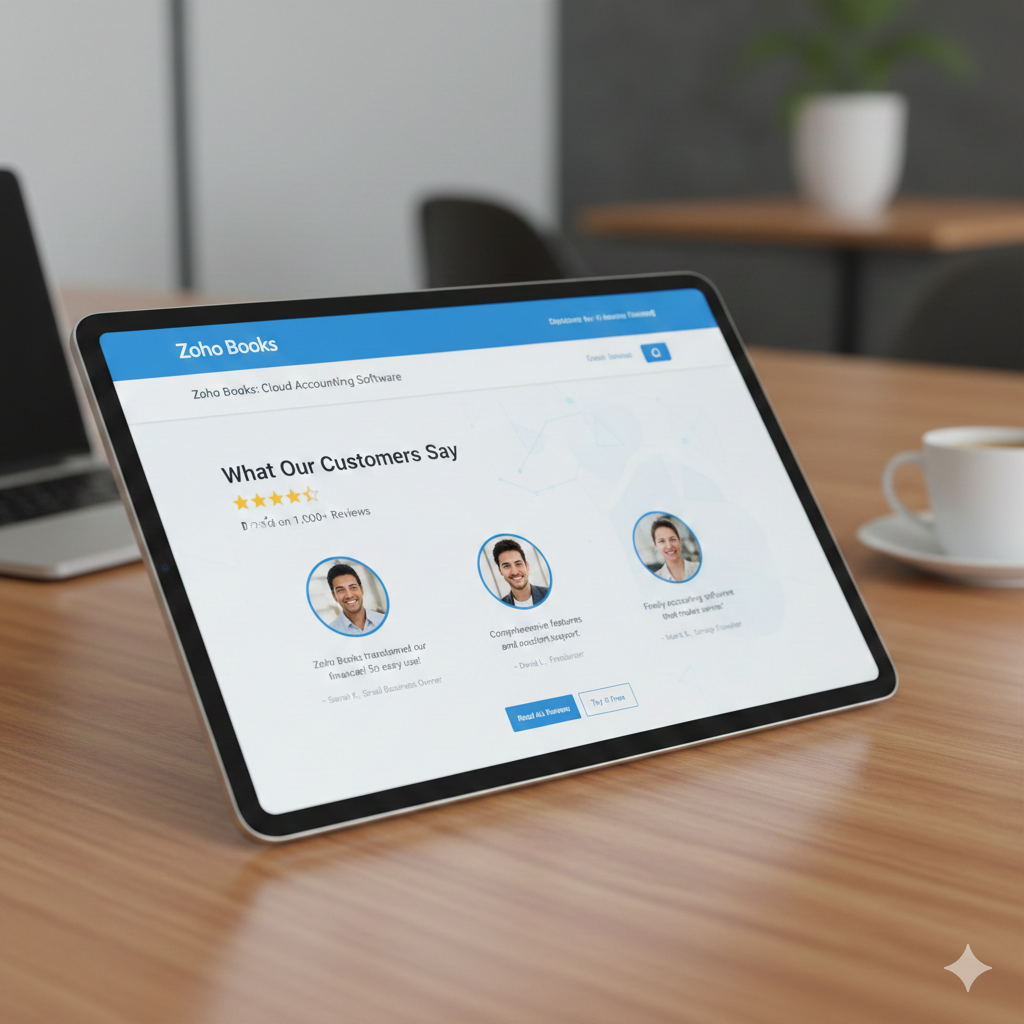
Choosing the right accounting software can shape the way a business grows. From tracking daily expenses to managing taxes and generating financial reports, the platform you rely on becomes the backbone of your financial operations. Zoho Books has steadily built a strong reputation among small and medium-sized businesses for its clean interface, automation features, and competitive pricing. But how does it truly perform in real-world use?
This in-depth review explores Zoho Books from every angle—features, usability, pricing, strengths, weaknesses, customer feedback, and overall value.
What Is Zoho Books?
Zoho Books is a cloud-based accounting solution designed primarily for small and growing businesses. It is part of the broader Zoho Corporation ecosystem, which includes CRM, email, HR, and productivity tools.
Zoho Books focuses on simplifying financial management. It handles invoicing, expense tracking, bank reconciliation, inventory, project accounting, tax compliance, and reporting—all from a browser or mobile app. Because it is cloud-based, users can access their accounts from anywhere, making it ideal for remote teams and business owners who are always on the move.
First Impressions and User Interface
One of the first things users notice about Zoho Books is its clean and structured dashboard. The layout is intuitive, with a sidebar menu that clearly separates sales, purchases, banking, reports, and accounting modules.
Unlike some accounting platforms that overwhelm users with too many options at once, Zoho Books presents information in an organized way. Graphs and summary widgets provide a quick snapshot of income, expenses, receivables, and payables. This helps business owners instantly understand where they stand financially.
Even those without formal accounting knowledge find the interface manageable. The learning curve is relatively gentle, especially for small business owners who are handling bookkeeping themselves.
Core Features
1. Invoicing and Sales Management
Zoho Books excels in invoicing. Users can create professional invoices, customize templates, add branding, and set payment terms easily. Recurring invoices can be scheduled for subscription-based businesses, which saves time and reduces manual errors.
Online payment integrations allow clients to pay directly through the invoice. Automatic payment reminders help reduce late payments, improving cash flow without constant follow-up.
Estimates can also be converted into invoices in a single click, which streamlines the sales process.
2. Expense Tracking and Vendor Management
Tracking expenses is straightforward. Users can categorize expenses, attach receipts, and link them to projects or clients. Vendor profiles allow for better organization of payables.
Recurring expenses, such as rent or software subscriptions, can be automated. This reduces the risk of forgetting important payments and keeps financial records accurate.
3. Bank Reconciliation
Bank reconciliation is one of the most important features in any accounting system. Zoho Books connects to bank accounts and imports transactions automatically. Users can match transactions quickly using smart suggestions.
The reconciliation process is fast and accurate, especially for businesses with a moderate transaction volume. This feature significantly reduces manual data entry.
4. Inventory Management
For product-based businesses, inventory tracking is crucial. Zoho Books allows users to track stock levels, set reorder points, and manage product categories.
Items can be linked directly to invoices and purchase orders. This real-time inventory tracking ensures that businesses avoid overselling or running out of stock unexpectedly.
5. Project Accounting and Time Tracking
Service-based businesses benefit from project tracking features. Users can log billable hours, assign tasks to employees, and generate invoices directly from tracked time.
This is particularly useful for consultants, agencies, freelancers, and contractors who charge clients based on hours worked.
6. Reporting and Analytics
Zoho Books provides a wide range of financial reports, including:
- Profit and Loss Statement
- Balance Sheet
- Cash Flow Statement
- Accounts Receivable Aging
- Accounts Payable Aging
- Tax Summary Reports
Reports are customizable, allowing users to filter by date range, customer, or project. The clarity of these reports helps business owners make informed decisions quickly.

Automation Capabilities
One of Zoho Books’ strongest advantages is automation. Users can set up workflows for:
- Automatic invoice reminders
- Recurring invoices and expenses
- Payment follow-ups
- Transaction categorization
- Approval processes
Automation reduces repetitive tasks and minimizes errors. For small teams, this can save hours every week.
Pricing Structure
Zoho Books offers tiered pricing, making it accessible to startups and scalable for growing businesses. There are different plans depending on features, number of users, and transaction limits.
Compared to many competitors, Zoho Books is considered affordable. The value for money is strong, especially considering the depth of features offered even in mid-tier plans.
For startups with tight budgets, this pricing flexibility is a major advantage.
Integration with Zoho Ecosystem
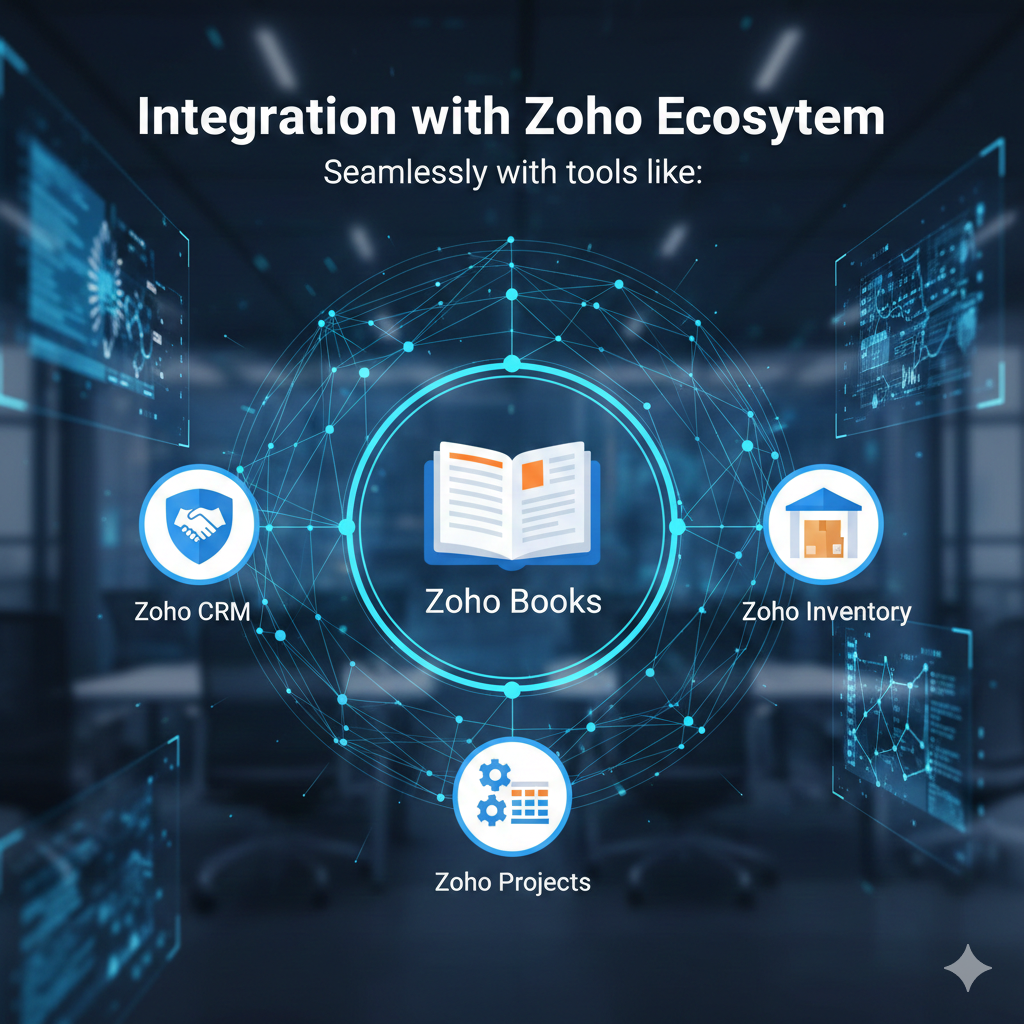
Because Zoho Books is part of a larger suite, it integrates seamlessly with tools like:
- Zoho CRM
- Zoho Inventory
- Zoho Projects
This integration allows businesses to centralize operations under one ecosystem. Data flows smoothly between departments, reducing duplication and improving efficiency.
For businesses already using Zoho products, adding Zoho Books feels like a natural extension.
Mobile App Performance
Zoho Books offers mobile apps for both iOS and Android. The apps allow users to:
- Create and send invoices
- Record expenses
- Track time
- View reports
- Check account balances
The mobile experience is smooth and responsive. For business owners who frequently travel or work outside the office, this flexibility is highly valuable.
Customer Support Experience
Customer support plays a major role in software satisfaction. Zoho Books offers support through:
- Live chat
- Phone (depending on plan)
- Help documentation and video tutorials
Most user reviews highlight responsive and knowledgeable support teams. The help center is comprehensive, covering common setup questions and advanced features.
However, response times may vary depending on region and subscription level.
Security and Compliance
Security is critical when dealing with financial data. Zoho Books uses strong encryption protocols and secure data centers. Multi-factor authentication adds an extra layer of protection.
The platform also supports tax compliance features tailored to different countries. For businesses operating internationally, this is an important advantage.
Strengths of Zoho Books
- Affordable pricing compared to competitors
- Clean and user-friendly interface
- Strong automation tools
- Excellent invoicing system
- Solid reporting capabilities
- Seamless integration with other Zoho apps
- Reliable mobile app
These strengths make Zoho Books particularly attractive to startups and growing small businesses.
Weaknesses of Zoho Books
No software is perfect. Zoho Books does have some limitations:
- Advanced features may require higher-tier plans
- Payroll functionality may be limited in some regions
- Complex customization may require technical knowledge
- Not always ideal for very large enterprises with complex accounting structures
While it works well for small and mid-sized businesses, larger corporations may need more specialized solutions.
Real User Feedback
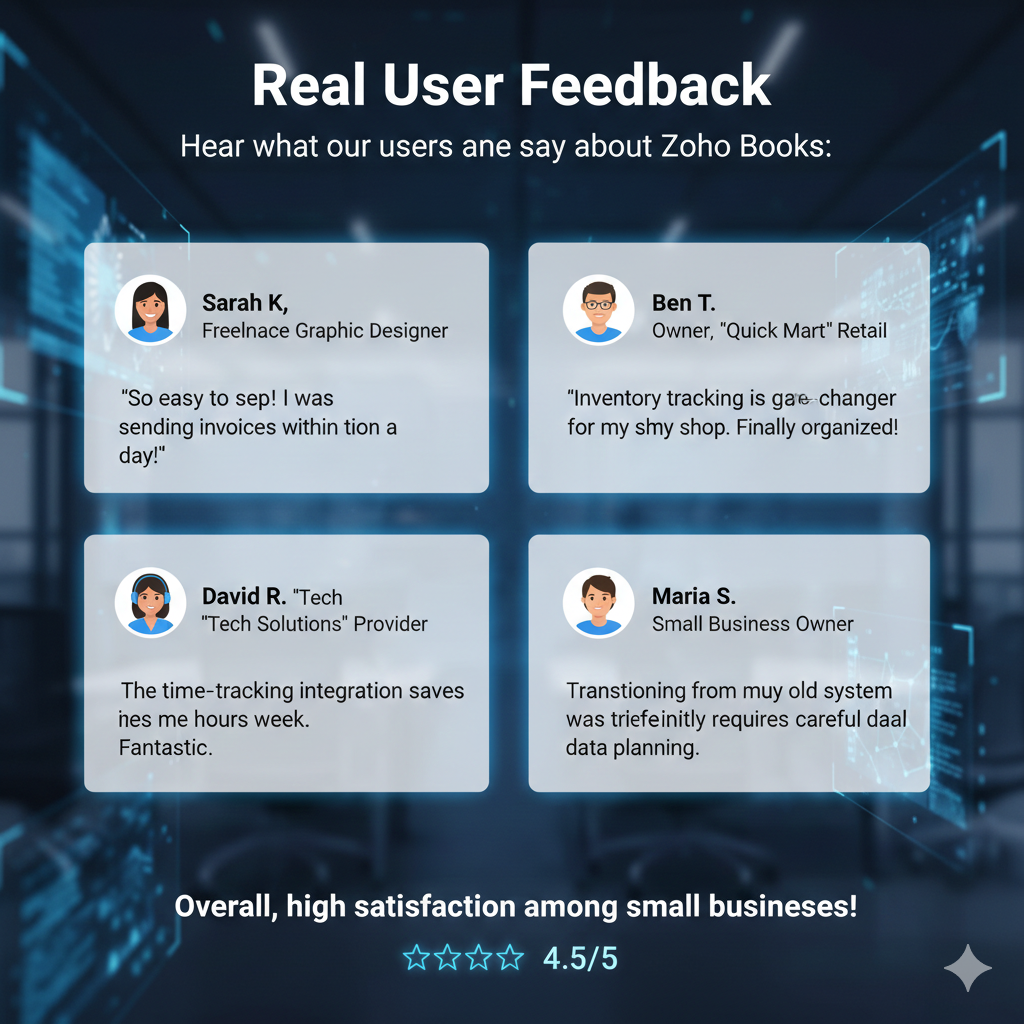
Many users appreciate how easy Zoho Books is to set up. Freelancers often mention that they were able to start sending invoices within a single day.
Small retail businesses highlight the inventory tracking as a key benefit. Service providers praise the time-tracking integration.
On the other hand, some users mention that transitioning from another accounting system requires careful data migration planning.
Overall, satisfaction levels are generally high among small business users.
Who Should Use Zoho Books?
Zoho Books is ideal for:
- Freelancers
- Consultants
- Agencies
- Startups
- E-commerce sellers
- Small retail stores
- Growing service-based businesses
It is particularly suitable for companies that want automation without paying enterprise-level pricing.
Who Might Need an Alternative?
Businesses that may require alternatives include:
- Large enterprises with multiple subsidiaries
- Organizations requiring complex global tax compliance
- Companies with highly specialized accounting workflows
In such cases, enterprise-level accounting systems may offer more depth.
Final Verdict
Zoho Books stands out as a well-balanced accounting solution that combines affordability, functionality, and ease of use. It offers robust invoicing, automation, reporting, and integration capabilities without overwhelming users.
For small and growing businesses, it delivers excellent value. The clean interface reduces stress, automation saves time, and real-time financial insights support better decision-making.
While it may not replace high-end enterprise accounting systems, it fulfills the needs of most small to mid-sized businesses exceptionally well.
If you are looking for reliable cloud-based accounting software that is cost-effective and packed with useful features, Zoho Books is certainly worth serious consideration.