

Choosing the right accounting software is one of the most important decisions a business owner makes. The software becomes the backbone of financial management, helping with invoicing, payroll, tax compliance, reports, cash flow, budgeting and more. Among the many accounting tools available, Xero has grown into one of the most widely used cloud-based platforms in the world.
Xero was first launched in 2006 with a mission to build accounting software that was easy to use, accessible from anywhere, and designed for small to medium businesses. Over time, it gained popularity rapidly, especially among businesses that wanted real-time financial visibility without the complexity of traditional accounting systems.
This write-up explores the pros and cons of Xero accounting software in depth, with a focus on real-world use, practical business implications, and objective evaluation.
Part 1: Pros of Xero Accounting Software
1. Cloud-Based Accessibility
One of the biggest advantages of Xero is that it is cloud-based. This means:
- You can access financial data from anywhere in the world.
- All you need is an internet connection and a web browser or mobile device.
- Multiple users can work simultaneously without file conflicts.
Cloud accounting allows business owners, accountants, bookkeepers and team members to collaborate in real time. There’s no need to email files back and forth or worry about version control. This feature alone provides tremendous convenience for businesses with remote teams or multiple stakeholders.
2. Easy to Use Interface
Xero is designed with simplicity in mind. Even those with minimal accounting experience can learn the basics quickly. The dashboard offers:
- Clear visual summaries
- Easy navigation
- Logical workflow for common tasks
Most users report the interface to be intuitive, with helpful prompts and minimal jargon. Unlike traditional desktop accounting software where setup and learning take weeks, Xero can be set up in a matter of hours.
3. Real-Time Financial Data
Because Xero is cloud-connected and constantly updated, users get real-time financial information. This includes:
- Live bank balances
- Up-to-date expense tracking
- Immediate revenue insights
Real-time data helps business owners make faster decisions. Instead of relying on month-end reports, managers can monitor performance daily and adjust strategy or spending accordingly. This visibility is particularly useful for cash-flow-dependent small businesses.
4. Strong Bank Feed Integration
Xero offers direct bank feeds from thousands of financial institutions globally. With bank feeds:
- All transactions are imported automatically
- Manual entry is reduced
- Bank reconciliation becomes faster
Daily reconciliation enables better tracking of cash flow and reduces errors. For businesses with high transaction volume, this feature alone can save hours of manual work.
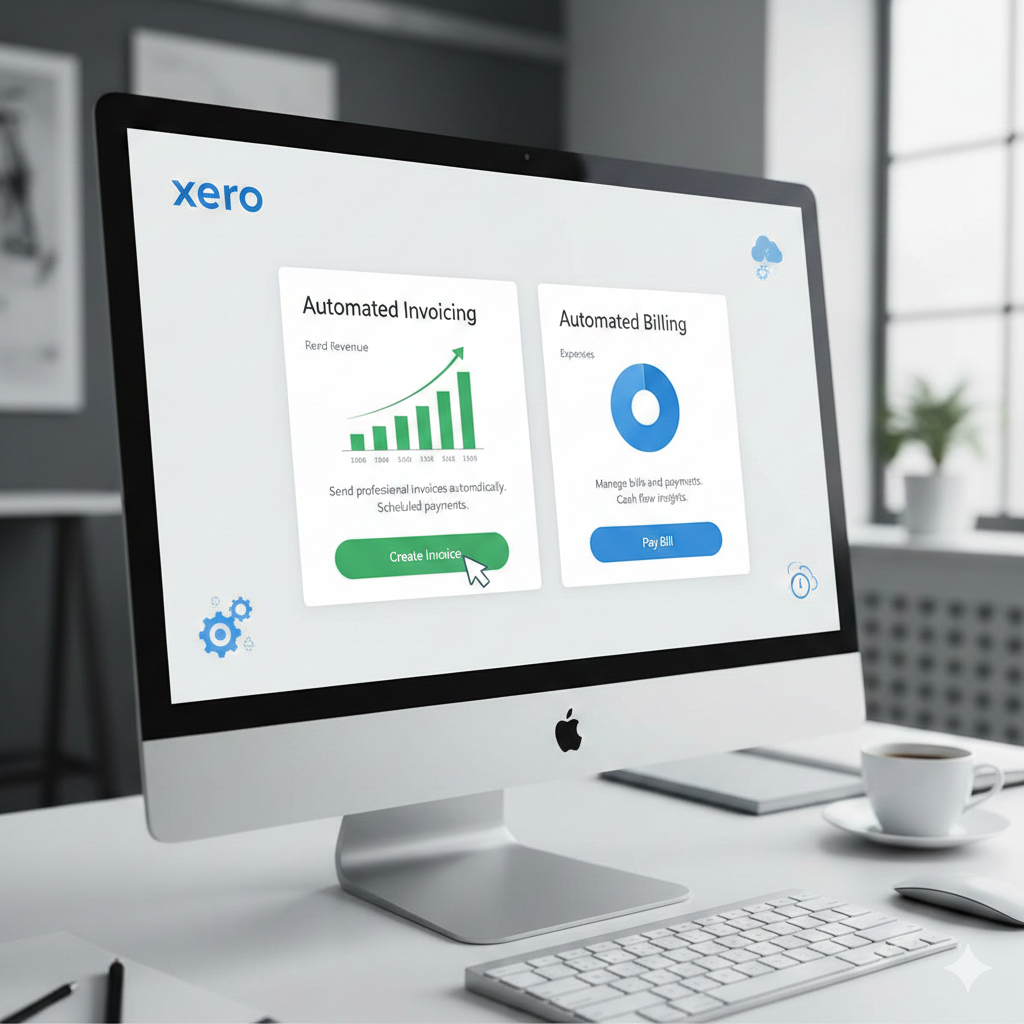
5. Automated Invoicing and Billing
Invoicing in Xero is flexible and dynamic. Key benefits include:
- Customized invoice templates
- Scheduled reminders for overdue payments
- Automatic receipts and notifications
Businesses can save templates, personalize invoices with logos, and set automatic reminders so customers receive payment prompts without manual effort. This improves professionalism and speeds up cash collection.
6. Multi-Currency Support
For businesses dealing internationally, Xero supports:
- Multiple currencies
- Live exchange rates
- Currency conversion
With transparent tracking of foreign transactions, Xero reduces complexity for businesses working with overseas clients or suppliers.
7. Collaboration With Accountants and Advisors
Xero makes collaboration with external accountants seamless. You can:
- Provide secure access to advisors
- Share reports easily
- Get real-time financial insights from professionals
Instead of sending spreadsheets or files, accountants can work directly on Xero. This improves accuracy and speeds up tax filing or financial consulting.
8. Extensive Integration Ecosystem
Xero integrates with hundreds of business apps, including:
- Payment processors
- Project management tools
- Point of sale systems
- CRM platforms
Popular integrations include Stripe, PayPal, Shopify, Zapier and more. These connections expand functionality beyond accounting and unify business operations under one digital ecosystem.
9. Mobile App for On-The-Go Work
Xero’s mobile app is available on iOS and Android. The mobile app allows users to:
- Scan receipts
- Create invoices
- Review cash flow
- Approve payments
This is useful for business owners who travel frequently or need to update records while away from the office.
10. Comprehensive Reporting Tools
Xero includes many built-in reports such as:
- Profit & Loss
- Balance Sheet
- Cash flow
- Budget analyzers
These reports assist with compliance, performance analysis and strategic planning. Users can also export data into spreadsheets or PDF for meetings, presentations or audits.
11. Scalability for Growing Businesses
Xero offers plans that grow with the business:
- Starter
- Standard
- Premium
As complexity increases (e.g., payroll, multi-currency or advanced reporting needs), the plan can be upgraded without switching platforms. This prevents disruption and supports long-term growth.

12. Reliable Security and Backups
Cloud software like Xero uses modern encryption, secure servers and automated backups. This provides:
- Protection against data loss
- Secure transmission of financial information
- Controlled user permissions
Businesses benefit from enterprise-grade security without needing in-house IT infrastructure.
Part 2: Cons of Xero Accounting Software
Despite many advantages, Xero is not perfect. There are areas where users may experience limitations or challenges.
1. Cost Compared to Alternatives
Xero is a subscription-based product. For small startups or sole proprietors, subscription costs can feel high, especially when compared to free or low-cost desktop software. Monthly fees increase as features are added, and additional user licenses may cost more.
Some users find pricing less transparent, especially when comparing features across plans.
2. Limited Payroll Functionality in Some Regions
Payroll features vary greatly by country. In some markets, payroll is comprehensive, while in others it is basic or not supported at all. This can require businesses to:
- Use a third-party payroll service
- Import/export data manually
For businesses with complex payroll needs, this limitation can add administrative burden.
3. Learning Curve for Advanced Features
While basic tasks are simple, advanced accounting functions require training. Users with no accounting experience may still struggle with:
- Chart of accounts setup
- Tax codes
- Accrual accounting
- Advanced reporting
Smaller businesses without an accountant may find certain features confusing at first.
4. Add-Ons Can Increase Total Cost
Integrations are beneficial, but many are paid extras. For example:
- Time tracking apps
- Advanced inventory tools
- CRM integrations
These add-ons often require additional subscriptions. When combined with the core Xero fee, total costs can grow significantly.
5. Limited Inventory Management
Basic inventory tracking is available, but compared to dedicated inventory software, Xero can be limited. Issues include:
- Basic stock tracking only
- No advanced warehouse management
- No barcode scanning by default
Businesses with complex inventory needs may need specialized software or integrations, adding cost and complexity.
6. Bank Feed Limitations in Some Regions
Although bank feeds are a strong feature, they depend on the financial institution’s support. In some countries or with certain banks:
- Feeds are delayed
- Connectivity may fail
- Manual import may be required
This inconsistency can frustrate users and reduce automation.

7. Reporting Limitations for Large Enterprises
For mid-to-large businesses with highly specialized reporting requirements, Xero may fall short. Specific advanced features such as:
- Deep custom financial reports
- Industry-specific KPIs
- Multi-entity consolidations
may require additional tools or professional reporting software.
8. Dependence on Internet Connectivity
Because Xero is cloud-based, it requires internet access. In locations with poor connectivity, users may face:
- Slow loading times
- Delays in data entry
- Reduced access to real-time insights
This can be a disadvantage for businesses operating in areas with unreliable internet.
9. Support Response Times Can Vary
User reports suggest that support can be slow at times, especially for non-urgent queries. Help is usually available, but:
- Response time is not always immediate
- Complex issues may take longer to resolve
- Some users prefer phone support, which is limited in certain regions
Support experience can vary by country and subscription level.
10. Customization Limits
Although Xero offers customization, it is not as flexible as some larger ERP systems. For example:
- Custom fields are limited
- Very specific workflows may not be supported
- Template adjustments have restrictions
Businesses with highly specialized bookkeeping practices may find these limitations challenging.
11. Multiple Currencies Add Complexity
While multi-currency support is a pro, it also introduces complexity. Challenges include:
- Exchange rate adjustments
- Tax calculations in different jurisdictions
- Reconciling foreign transactions
For businesses with frequent global transactions, complexity can increase overhead.
12. Not Ideal for All Business Types
Xero is excellent for general service-based businesses and retail, but it may not be ideal for:
- Highly regulated industries
- Companies needing specialized compliance workflows
- Businesses requiring industry-specific modules
In those cases, specialized accounting systems may be better suited.
Conclusion
Xero has emerged as one of the most successful and widely adopted cloud accounting platforms in the world. For many businesses, it delivers:
These features empower business owners to manage finances with confidence and speed.
At the same time, Xero is not without limitations. Pricing, regional feature gaps, customization boundaries and reliance on internet connectivity may challenge certain users.
For many small to medium-sized businesses, Xero offers an elegant balance between simplicity and power. Its cloud-first design and robust feature set can significantly improve bookkeeping efficiency and business insight.
However, businesses with highly specialized needs or complex financial requirements might require additional tools or alternative platforms.
Whether Xero is the right choice should be determined by careful evaluation of needs, comparison with competitors (such as QuickBooks, Sage, Zoho Books, FreshBooks, etc.) and alignment with long-term business goals.