
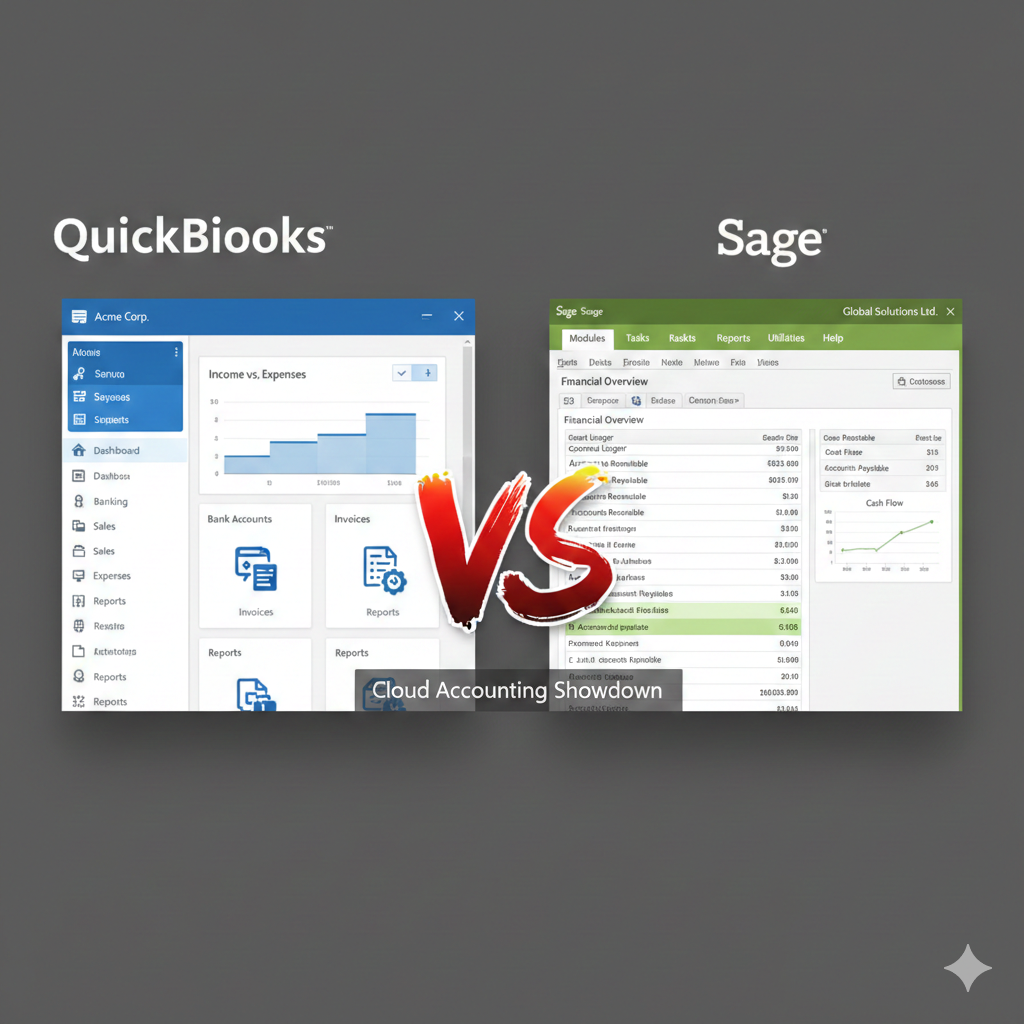
When it comes to choosing accounting software for a growing business, two names often rise to the top: QuickBooks and Sage. Both platforms have built strong reputations over the years, serving millions of businesses worldwide. Yet despite their shared goal—helping businesses manage finances more efficiently—they approach accounting from slightly different angles. Understanding the differences between QuickBooks and Sage can make a significant impact on how smoothly your financial operations run.
Company Background and Market Position
QuickBooks is developed by Intuit, a financial software company founded in 1983. QuickBooks quickly became one of the most recognized accounting platforms for small and medium-sized businesses. Its strong focus on usability and accessibility helped it dominate markets such as the United States, Canada, and the United Kingdom.
Sage, on the other hand, is developed by Sage Group, a UK-based enterprise software company established in 1981. Sage has a broader global enterprise presence, offering solutions not only for small businesses but also for mid-sized and large enterprises. Over the years, Sage has expanded through acquisitions and now provides a range of accounting, payroll, and enterprise resource planning (ERP) solutions.
Both companies have decades of experience in financial software, but their core audiences differ slightly. QuickBooks primarily targets small to medium-sized businesses, freelancers, and startups. Sage serves a wider range—from small companies to larger organizations that require more complex financial management tools.
Ease of Use
One of QuickBooks’ strongest selling points is its user-friendly interface. It is designed for business owners who may not have a strong accounting background. The dashboard is clean, intuitive, and straightforward. Users can quickly see income, expenses, invoices, and bank balances without digging through complicated menus.
Sage, while powerful, can feel more complex—especially for first-time users. Its interface varies depending on the product version (Sage 50, Sage 100, Sage 200, etc.), and some editions are tailored toward accountants rather than business owners. For companies with dedicated finance teams, this complexity can be beneficial. However, for small business owners managing their own books, the learning curve may be steeper.
In terms of accessibility, QuickBooks Online is entirely cloud-based and accessible from any device with internet access. Sage also offers cloud versions, but some of its more advanced systems are desktop-based or hybrid solutions.
Features and Functionality
Both QuickBooks and Sage offer core accounting features, including:
- Invoicing and billing
- Expense tracking
- Financial reporting
- Bank reconciliation
- Payroll processing
- Inventory management
However, the depth of these features differs.
QuickBooks excels in simplicity and integration. It provides customizable invoices, automated payment reminders, recurring billing, and seamless integration with third-party apps. Its reporting features are strong for small to mid-sized businesses, covering profit and loss statements, balance sheets, cash flow reports, and tax summaries.
Sage, especially in its higher-tier versions, offers more advanced accounting capabilities. It handles multi-currency transactions, departmental reporting, advanced inventory management, and job costing with greater depth. Businesses that require detailed project tracking or industry-specific reporting may find Sage more adaptable.
If a company expects rapid growth or operates in manufacturing, distribution, or construction, Sage’s advanced modules may offer stronger long-term flexibility.
Scalability
Scalability is often the deciding factor for growing businesses. QuickBooks is excellent for startups and small businesses but can become limiting as operations grow more complex. While QuickBooks Enterprise expands functionality significantly, companies eventually reaching large-scale operations may consider transitioning to more advanced ERP systems.
Sage offers clearer scalability pathways. A business can start with a smaller Sage package and later move to higher-tier versions without leaving the Sage ecosystem. For mid-sized organizations that anticipate growth, this progression can be attractive.
That said, scalability also depends on business structure. A service-based business with straightforward accounting needs may find QuickBooks sufficient for many years.
Pricing Structure
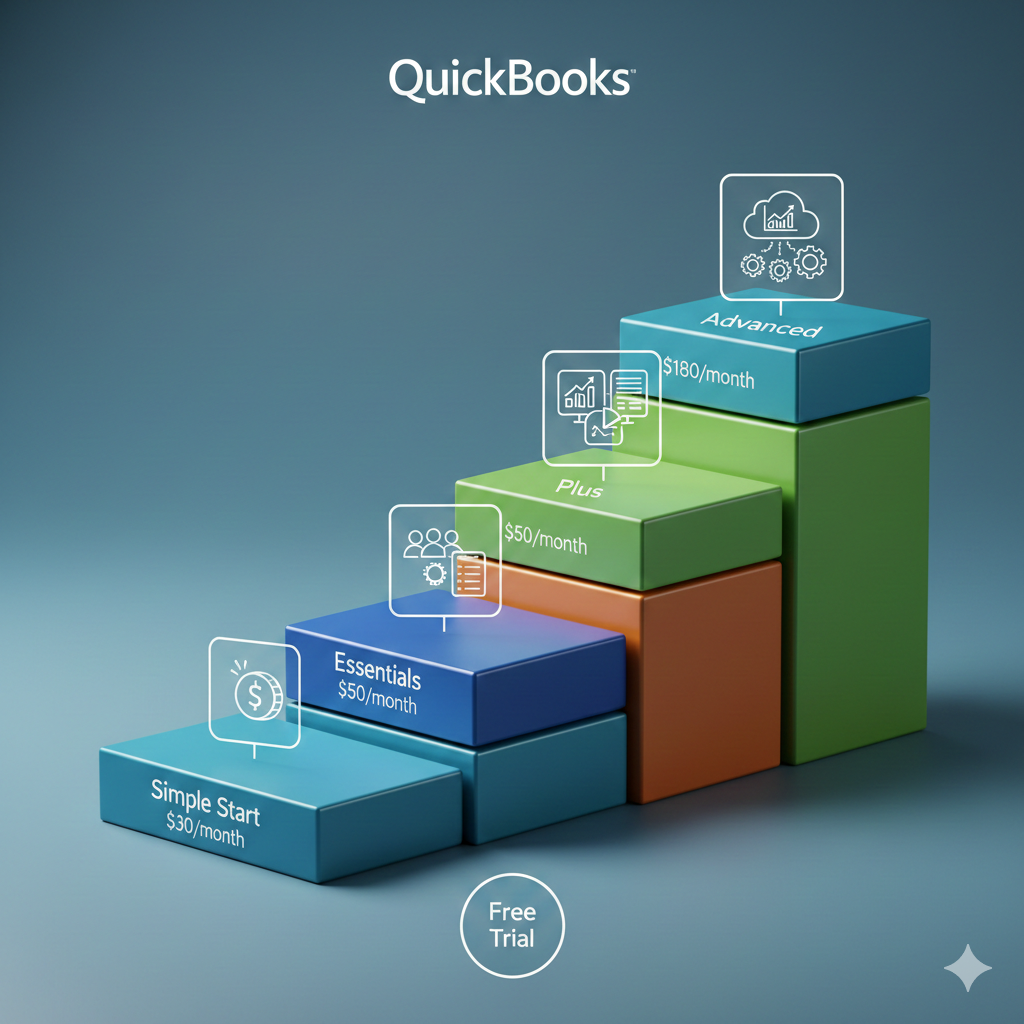
QuickBooks typically follows a subscription-based model for its online versions. Monthly pricing depends on the plan selected and the number of users required. Payroll, advanced reporting, and inventory features may require higher-tier subscriptions or add-ons.
Sage pricing varies significantly depending on the product version. Some Sage products require upfront licensing fees plus annual support contracts, while others operate under subscription models. In many cases, Sage’s advanced systems are more expensive than QuickBooks, particularly when additional modules are included.
For small businesses with tight budgets, QuickBooks is often more affordable and predictable in terms of monthly cost. Sage may represent a higher investment but delivers more complex features in return.
Integration and Ecosystem
QuickBooks stands out for its integration capabilities. It connects with hundreds of third-party apps, including payment processors, CRM systems, inventory tools, and e-commerce platforms. Businesses operating online stores or using multiple SaaS tools often find QuickBooks’ ecosystem highly flexible.
Sage also offers integrations, but its ecosystem is not as broad or consumer-focused as QuickBooks’. Many Sage integrations cater to specialized industries or enterprise systems.
For example, QuickBooks integrates smoothly with popular payment gateways and e-commerce solutions, making it attractive for digital businesses. Sage may integrate better with enterprise-level systems and advanced supply chain management tools.
Reporting and Analytics
Financial reporting is essential for decision-making. QuickBooks provides easy-to-understand reports that are ideal for business owners who need quick insights. Customization options allow filtering by date range, class, customer, or project.
Sage offers deeper reporting functionality in its higher-tier versions. Businesses can generate detailed departmental reports, cost center analysis, and industry-specific metrics. For companies with multiple divisions or international operations, Sage’s reporting capabilities may be more comprehensive.
However, many small businesses do not require such depth and may prefer QuickBooks’ simplicity.
Payroll and Compliance
Payroll features are available in both systems, but the experience varies by region and version. QuickBooks provides integrated payroll services in many countries, often with automatic tax calculation and filing support.
Sage has long been recognized for strong payroll solutions, especially in the UK and other European markets. Some Sage payroll products operate independently from accounting modules but integrate seamlessly within the Sage ecosystem.
For businesses operating internationally, Sage’s long-standing presence in global markets can be advantageous.
Customer Support and Training
QuickBooks offers extensive online resources, including help articles, tutorials, community forums, and phone support depending on the plan. Its popularity means accountants and bookkeepers are often familiar with the platform.
Sage also provides strong customer support and training resources. However, support experiences can vary depending on the product tier and support contract purchased.
One key consideration is local accountant familiarity. In regions where QuickBooks dominates, finding support and expertise may be easier. In other markets, Sage may have stronger professional networks.
Industry Suitability
QuickBooks works exceptionally well for:
- Freelancers
- Consultants
- Retail businesses
- E-commerce sellers
- Small service-based companies
Sage is often preferred by:
- Manufacturing companies
- Construction firms
- Distribution businesses
- Mid-sized organizations with complex reporting needs
That said, both platforms offer multiple versions that overlap in functionality.
Cloud vs Desktop
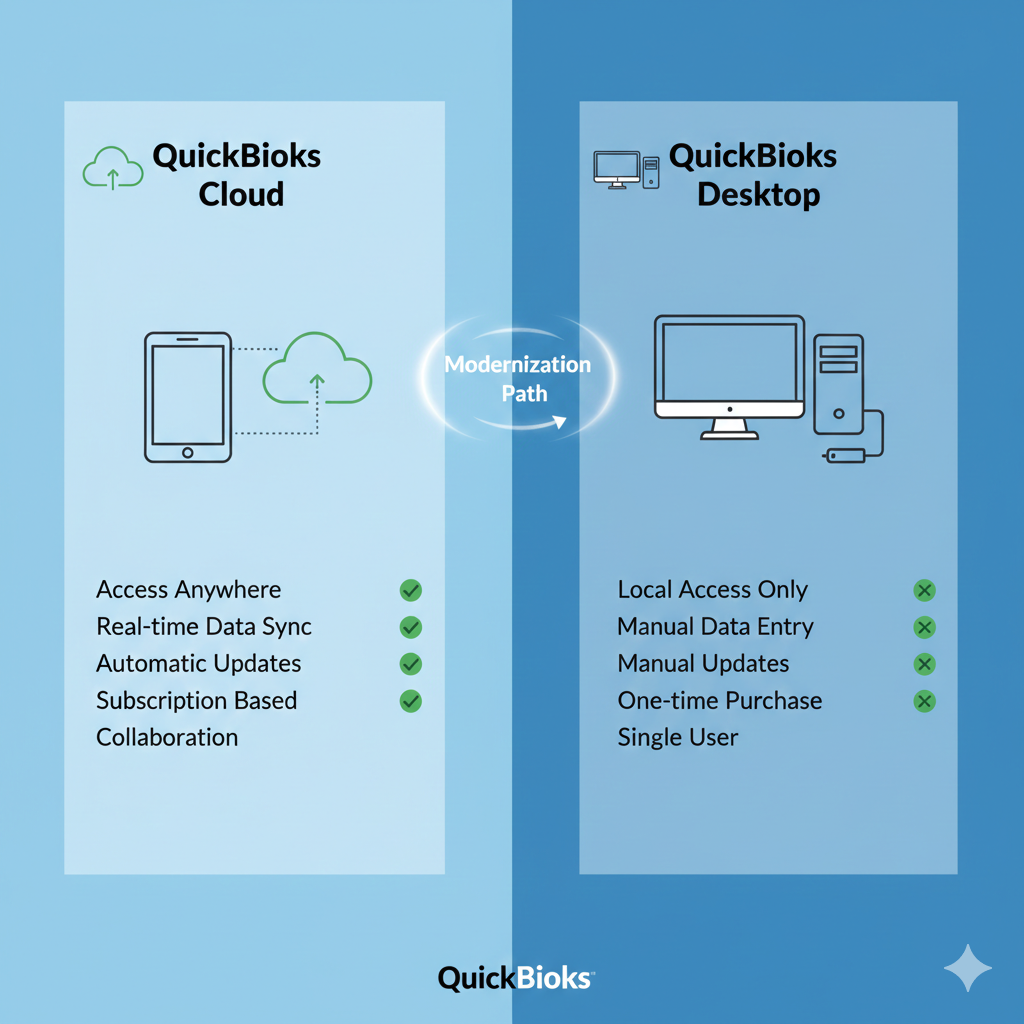
QuickBooks Online is fully cloud-based, with automatic updates and backups. QuickBooks Desktop versions remain available but are gradually transitioning toward subscription models.
Sage offers both desktop and cloud options. Some businesses prefer desktop solutions for data control and offline access. Others prefer cloud-based convenience.
The choice between cloud and desktop often depends on internal IT infrastructure and security preferences.
Customization and Flexibility
QuickBooks allows customization of invoices, chart of accounts, and reporting categories. However, its customization remains within defined boundaries suitable for small businesses.
Sage provides more robust customization in advanced editions. Larger businesses with complex workflows may appreciate this flexibility.
Learning Curve
QuickBooks is widely considered easier to learn. Many users can start generating invoices and tracking expenses within hours.
Sage may require formal training, especially in enterprise versions. However, this investment often results in greater long-term control and detailed financial insight.
Security and Reliability
Both companies prioritize data security, offering encrypted connections, secure data centers, and regular updates. Cloud versions of both systems include automatic backups and role-based permissions.
Reliability depends largely on the chosen version and hosting environment.
Final Thoughts
Choosing between QuickBooks and Sage ultimately depends on your business size, complexity, budget, and long-term growth plans.
QuickBooks shines in simplicity, affordability, and ease of use. It is an excellent choice for startups and small businesses seeking efficient financial management without overwhelming complexity.
Sage offers greater depth, scalability, and advanced features. It is particularly well-suited for mid-sized companies or businesses operating in industries with complex accounting requirements.
There is no universally “better” solution—only the one that aligns best with your operational needs. Before making a decision, evaluate your reporting requirements, growth projections, and available accounting expertise.
A small service business may thrive for years using QuickBooks. A growing manufacturing firm may benefit from Sage’s advanced capabilities. The key is understanding where your business stands today—and where it plans to go tomorrow.
By carefully comparing QuickBooks and Sage in terms of usability, features, scalability, pricing, and support, you can confidently select the accounting system that supports both stability and growth.