Accounting has always been one of the least exciting parts of running a business. For many owners, it feels complicated, time-consuming, and easy to get wrong. That’s exactly why cloud-based accounting tools like Xero have become so popular. Xero promises to simplify bookkeeping, improve financial visibility, and save time for business owners, accountants, and finance teams alike.
In this in-depth review, we’ll take a detailed look at Xero accounting software—what it does well, where it falls short, and who it’s really best for. This review is based on real-world usage, feature analysis, and practical business needs, not marketing hype.
What Is Xero?
Xero is a cloud-based accounting software designed primarily for small and medium-sized businesses. Founded in New Zealand, Xero has grown into a global platform used by millions of businesses across different industries. Its core idea is simple: make accounting accessible, clear, and manageable without needing deep accounting knowledge.
Because Xero runs entirely in the cloud, users can access their financial data from anywhere with an internet connection. There’s no software to install, no manual updates, and no risk of losing data due to local computer failure.
First Impressions and User Experience
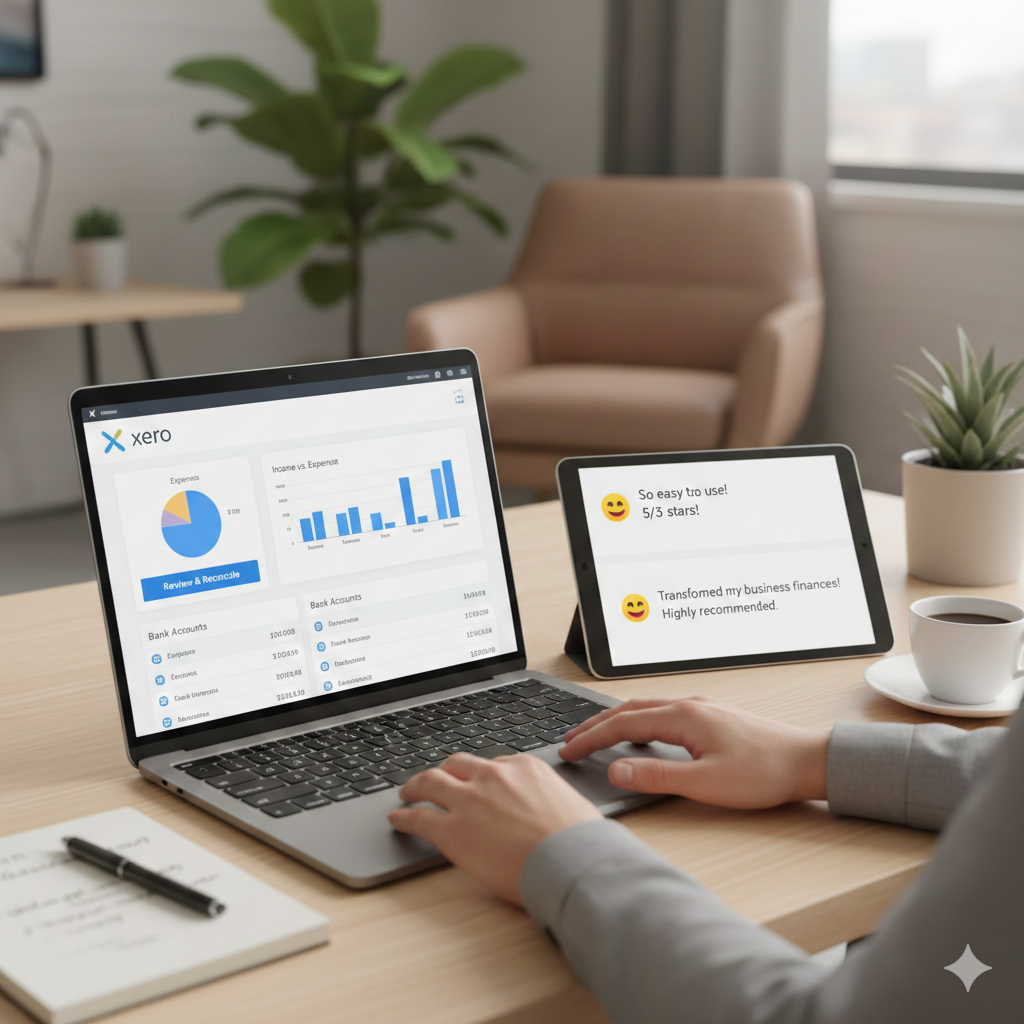
One of Xero’s biggest strengths is its clean and modern interface. From the moment you log in, the dashboard presents a clear snapshot of your business finances. You can see bank balances, outstanding invoices, upcoming bills, and cash flow at a glance.
The layout is intuitive, even for users with limited accounting experience. Menus are logically organized, and most tasks can be completed in just a few clicks. Unlike traditional accounting software that feels overwhelming, Xero keeps things visually simple without sacrificing functionality.
Navigation feels smooth, and the system responds quickly, even when handling large datasets. For busy business owners, this ease of use can make a noticeable difference in daily operations.
Core Accounting Features
Invoicing and Billing
Xero’s invoicing tools are one of its most widely used features. You can create professional invoices in minutes, customize them with your branding, and send them directly to clients via email.
Key invoicing features include:
- Automated invoice reminders
- Recurring invoices for regular clients
- Multiple currencies (on higher plans)
- Online payment integration
- Real-time invoice tracking
You can instantly see which invoices are paid, overdue, or pending. This alone helps businesses improve cash flow by reducing late payments.
Expense Tracking
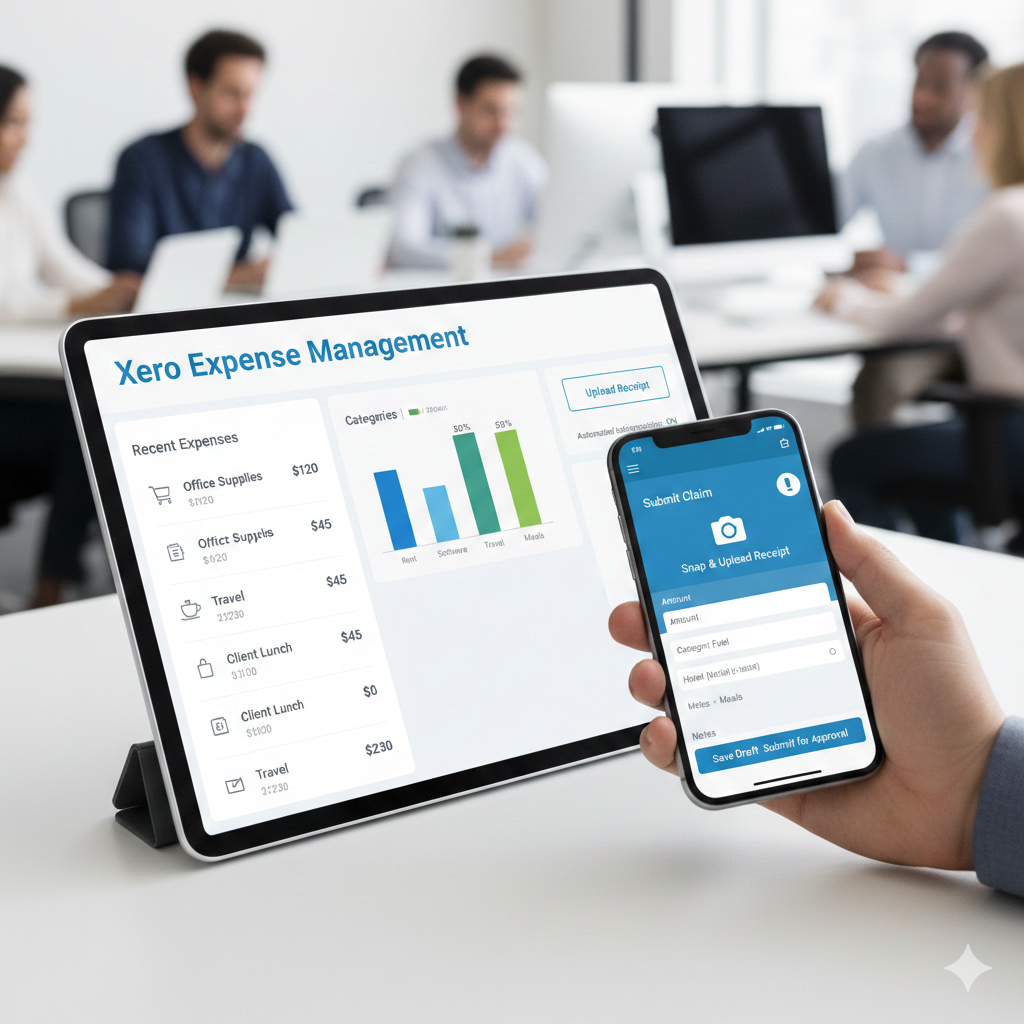
Managing expenses in Xero is straightforward. You can record expenses manually, import them from bank feeds, or upload receipts using the mobile app. Expenses can be categorized automatically, which saves time during reconciliation.
For businesses with multiple employees, Xero allows staff to submit expense claims directly into the system. Managers can review and approve them without endless email chains or spreadsheets.
Bank Reconciliation
Bank reconciliation is often one of the most frustrating accounting tasks, but Xero handles it exceptionally well. The software connects directly to your bank account and imports transactions automatically.
Xero then matches these transactions with existing invoices, bills, or expenses. In many cases, reconciliation becomes a one-click process. The system also “learns” over time, improving accuracy as you continue using it.
For businesses that handle a high volume of transactions, this feature alone can save hours every month.
Cash Flow Management
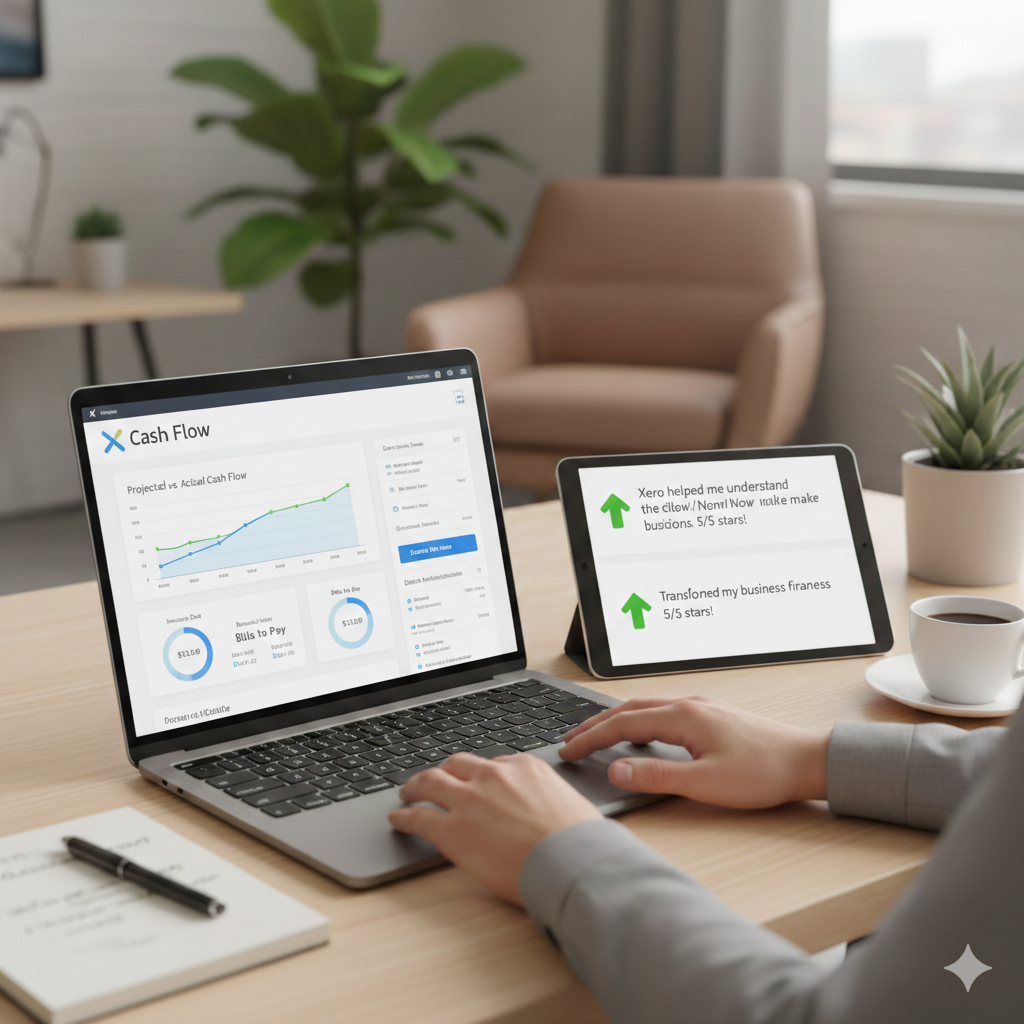
Cash flow is the lifeblood of any business, and Xero places strong emphasis on visibility and forecasting. The platform provides clear cash flow reports, helping you understand where money is coming from and where it’s going.
You can:
- Track short-term and long-term cash flow
- Monitor upcoming bills and receivables
- Identify potential cash shortages early
This is especially useful for small businesses that need to make careful financial decisions without a full finance team.
Financial Reporting
Xero offers a wide range of financial reports, including:
- Profit and loss statements
- Balance sheets
- Cash flow statements
- Tax summaries
- Expense reports
Reports are easy to generate and can be customized to suit your needs. You can compare different time periods, track performance trends, and export reports for sharing with accountants or stakeholders.
For business owners who aren’t accounting experts, Xero’s reports are presented in a clear and readable format, avoiding unnecessary complexity.
Inventory Management
Xero includes basic inventory tracking, which works well for businesses that sell physical products. You can track stock levels, monitor item costs, and automatically update inventory when sales occur.
While it’s not as advanced as dedicated inventory management software, it’s more than sufficient for small retailers, wholesalers, and online sellers with simple inventory needs.
Payroll Capabilities
Xero offers payroll features in supported regions, allowing businesses to manage employee salaries, taxes, and compliance in one place. Payroll integrates seamlessly with accounting records, reducing errors and duplicate data entry.
Features typically include:
- Automated payroll calculations
- Tax and compliance tracking
- Payslip generation
- Employee self-service portals
Availability and features may vary by country, so it’s important to check regional support before relying on payroll tools.
Integrations and Add-Ons
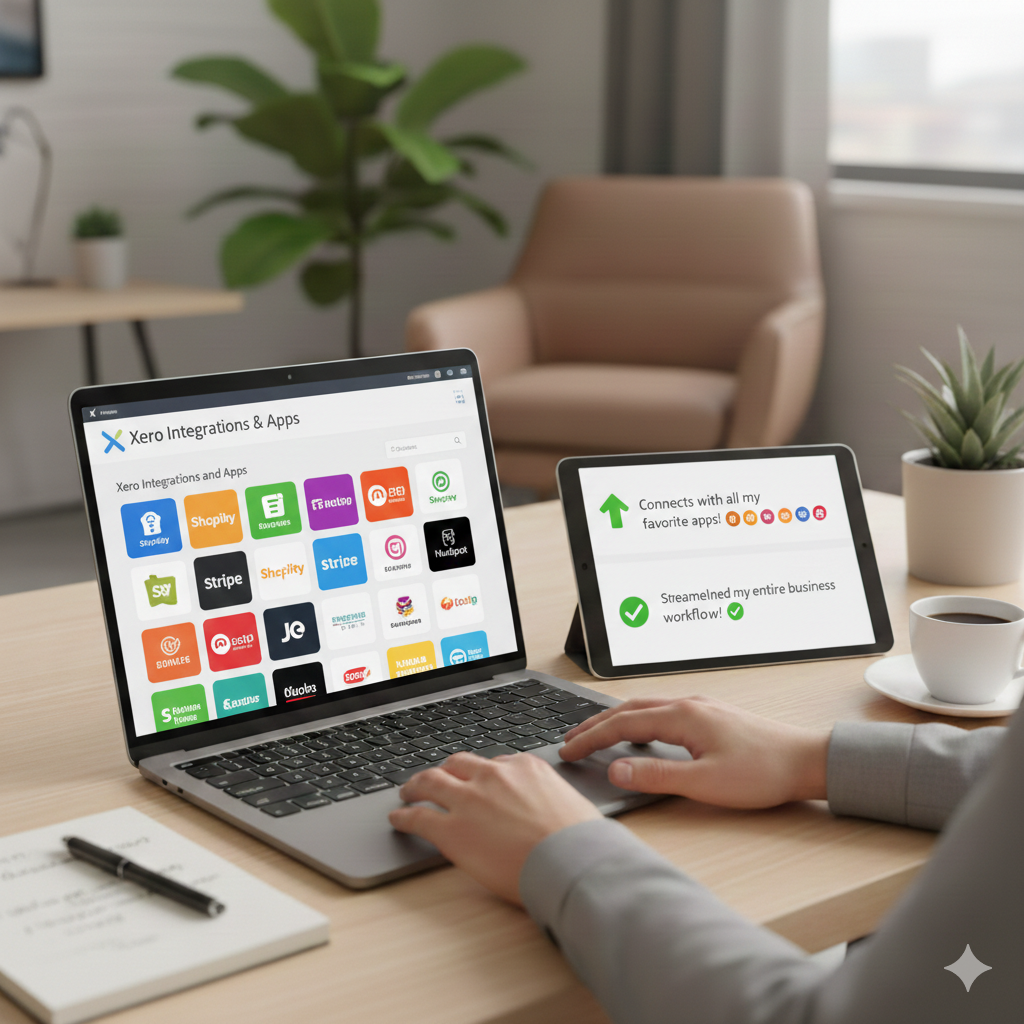
One of Xero’s strongest advantages is its massive ecosystem of third-party integrations. Xero connects with hundreds of business apps, including:
- Payment processors
- E-commerce platforms
- CRM tools
- Inventory systems
- Time-tracking software
This flexibility allows businesses to build a customized system around Xero rather than forcing all operations into one tool.
Popular integrations include payment gateways, online store platforms, and expense management apps. For growing businesses, this scalability is a major benefit.
Mobile App Experience
Xero’s mobile app is well-designed and genuinely useful, not just a limited add-on. With the app, you can:
- Send invoices
- Capture expense receipts
- Reconcile transactions
- Check cash flow
For business owners who are often on the move, the mobile app adds real convenience without sacrificing functionality.
Security and Data Protection
Security is a critical concern for any cloud-based software, and Xero takes this seriously. The platform uses bank-level encryption, two-factor authentication, and secure data centers to protect user information.
Regular backups and strict access controls help ensure data remains safe, even in unexpected situations.
Pricing and Value for Money
Xero uses a subscription-based pricing model with multiple plans designed for different business sizes. Plans typically vary based on features like the number of invoices, bills, payroll access, and multi-currency support.
While Xero may not be the cheapest accounting software on the market, it offers strong value for money considering its features, reliability, and scalability. For businesses that rely heavily on automation and real-time financial insights, the cost is often justified.
Customer Support and Learning Resources
Xero provides extensive online support resources, including guides, tutorials, and help articles. The knowledge base is well-organized and easy to search.
Customer support is available through online channels, though there is no traditional phone support in many regions. While this may be a downside for some users, the quality of written support and documentation helps compensate.
Xero also offers training programs and certifications, which are especially valuable for accountants and bookkeepers.

Pros and Cons of Xero
Pros
- Clean and user-friendly interface
- Excellent bank reconciliation
- Strong invoicing and cash flow tools
- Large integration ecosystem
- Reliable cloud access and mobile app
Cons
- Pricing may feel high for very small businesses
- Limited inventory features for complex needs
- Customer support is mainly online
- Some features vary by region
Who Should Use Xero?
Xero is ideal for:
- Small and medium-sized businesses
- Freelancers and consultants
- E-commerce sellers
- Startups planning to scale
- Businesses working with accountants remotely
It’s especially well-suited for owners who want clear financial visibility without spending hours on bookkeeping.
Final Verdict: Is Xero Worth It?
Xero stands out as a powerful, well-designed accounting solution that balances simplicity with depth. It doesn’t try to overwhelm users with unnecessary features, yet it provides enough flexibility to support growing businesses.
Its real strength lies in automation, real-time data, and seamless collaboration between business owners and accountants. While it may not be perfect for every situation, Xero consistently delivers on its promise to make accounting easier and more transparent.
For businesses looking to move away from spreadsheets or outdated desktop software, Xero is a strong, dependable choice that can grow alongside your business.